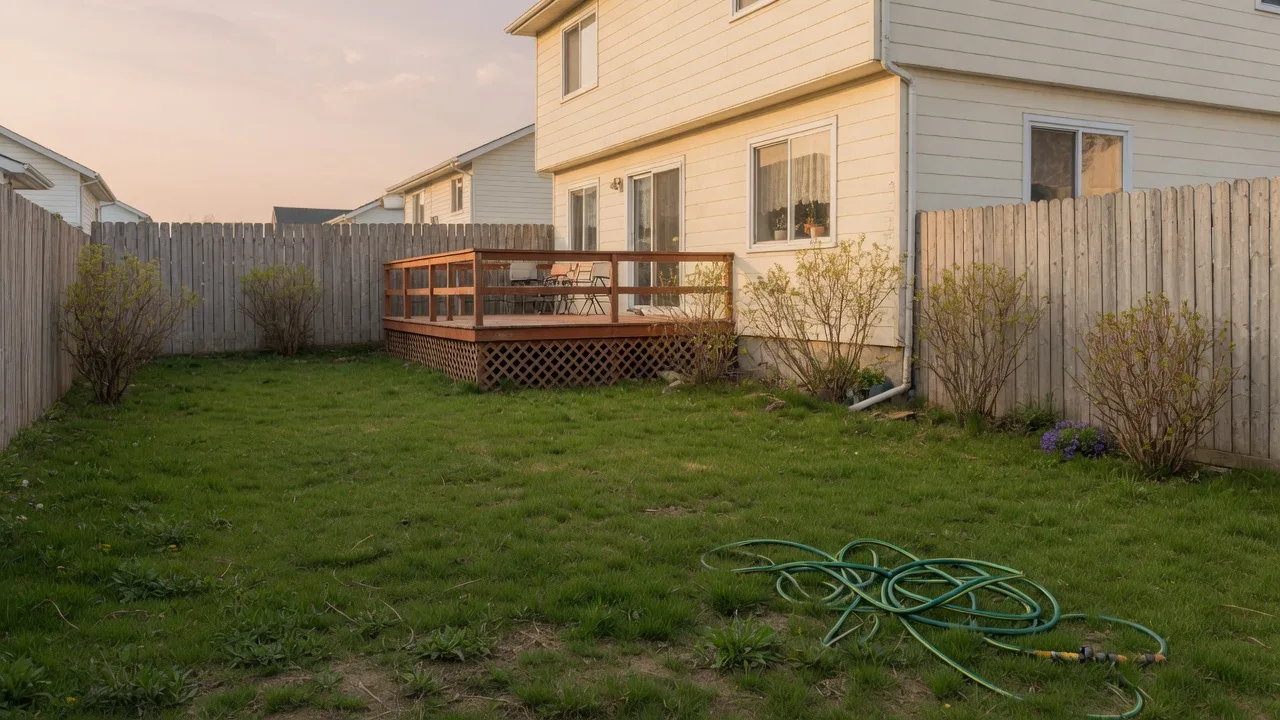
Aménagement jardin IA à partir d’une photo
Importez une photo de votre jardin, choisissez un style et générez un concept. Comparez avant/après, puis téléchargez. C’est un concept visuel, pas un plan de plantation.





Depuis votre photo
Le jardin que vous avez déjà est l’entrée.
Importez une photo de jardin arrière ou de devant, choisissez un style et générez un concept à comparer à l’original.
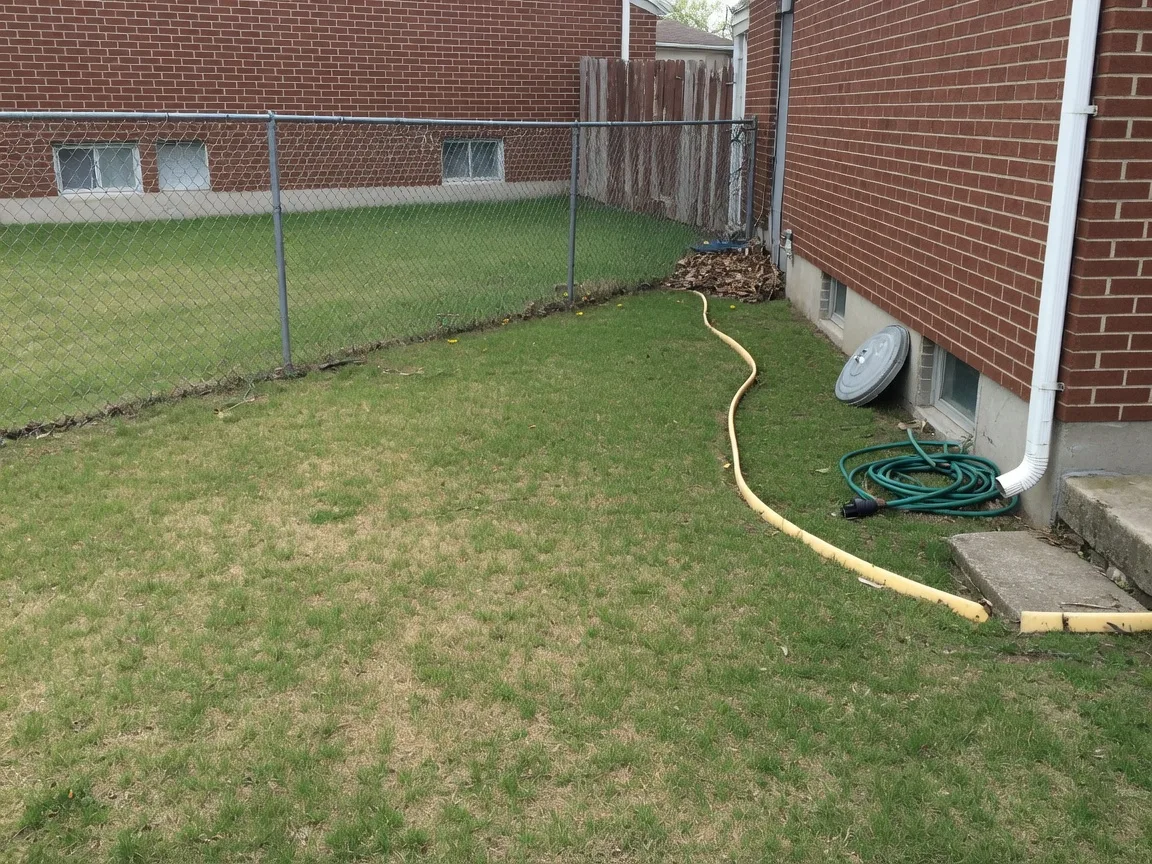
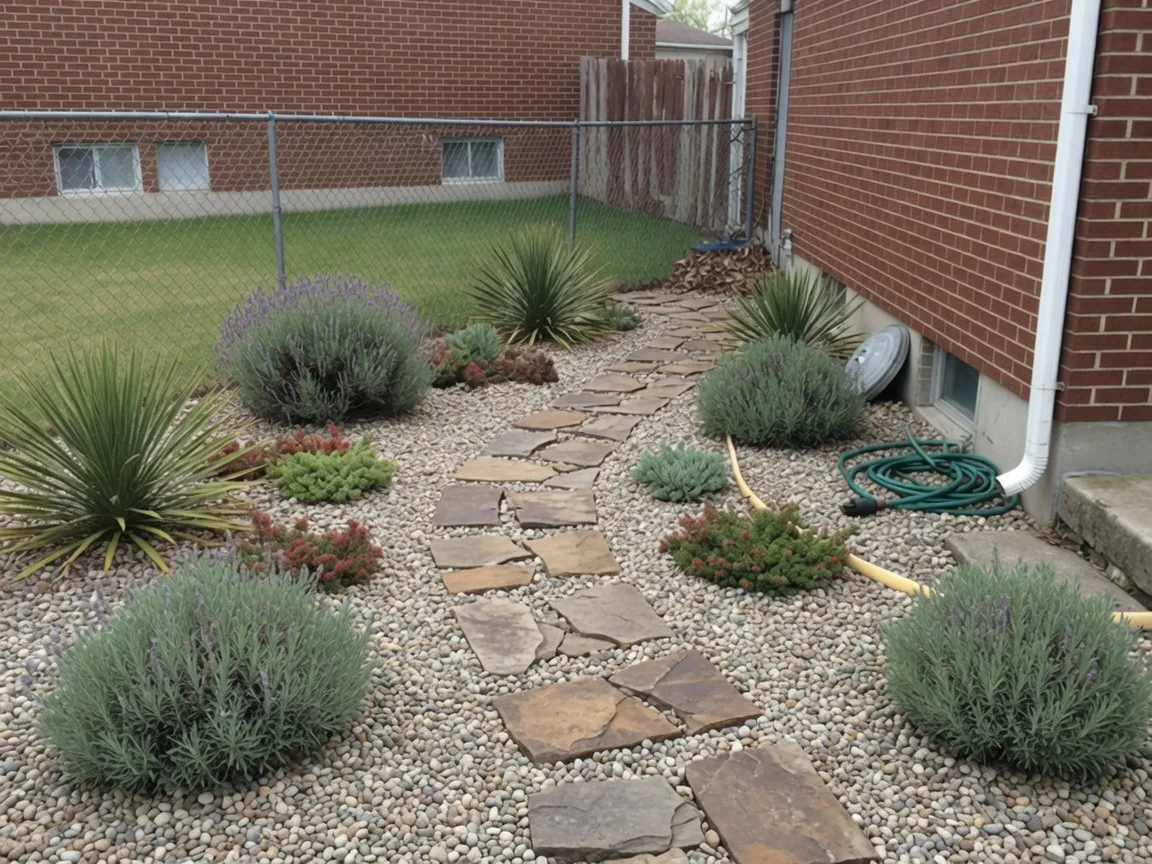
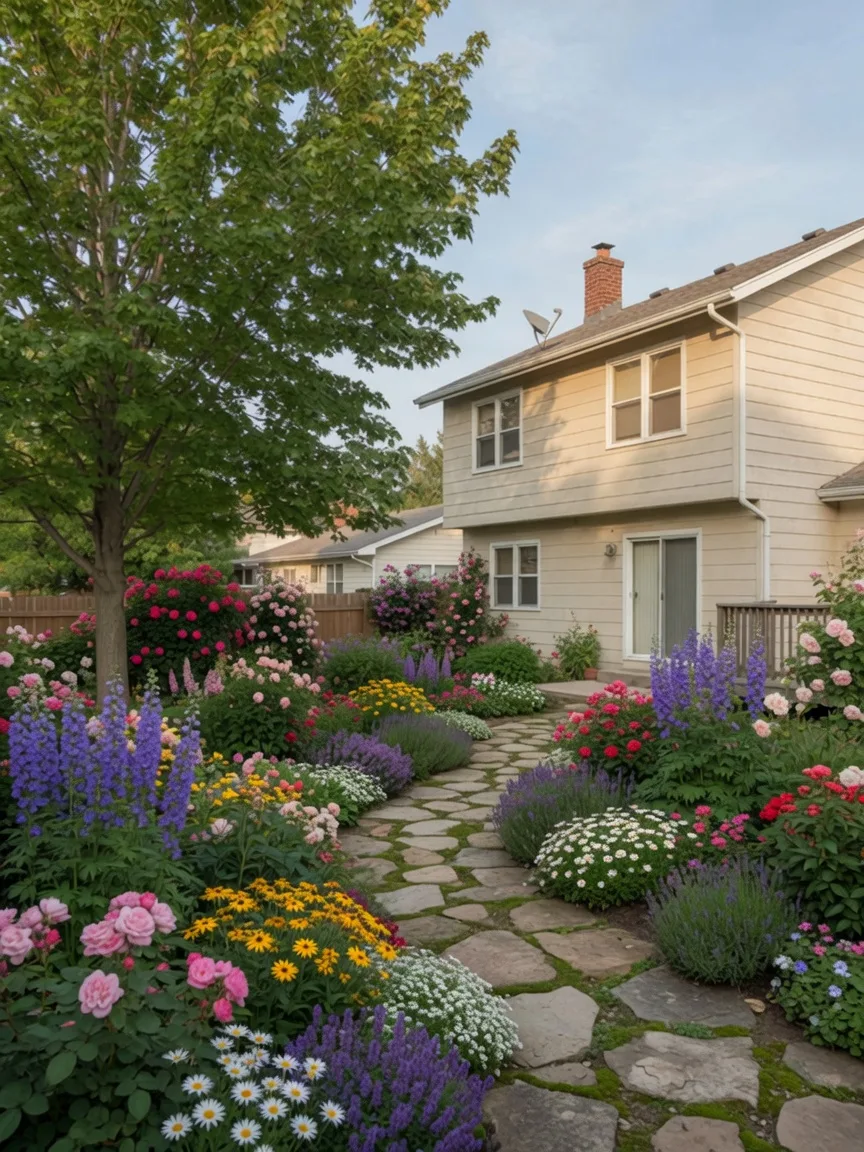
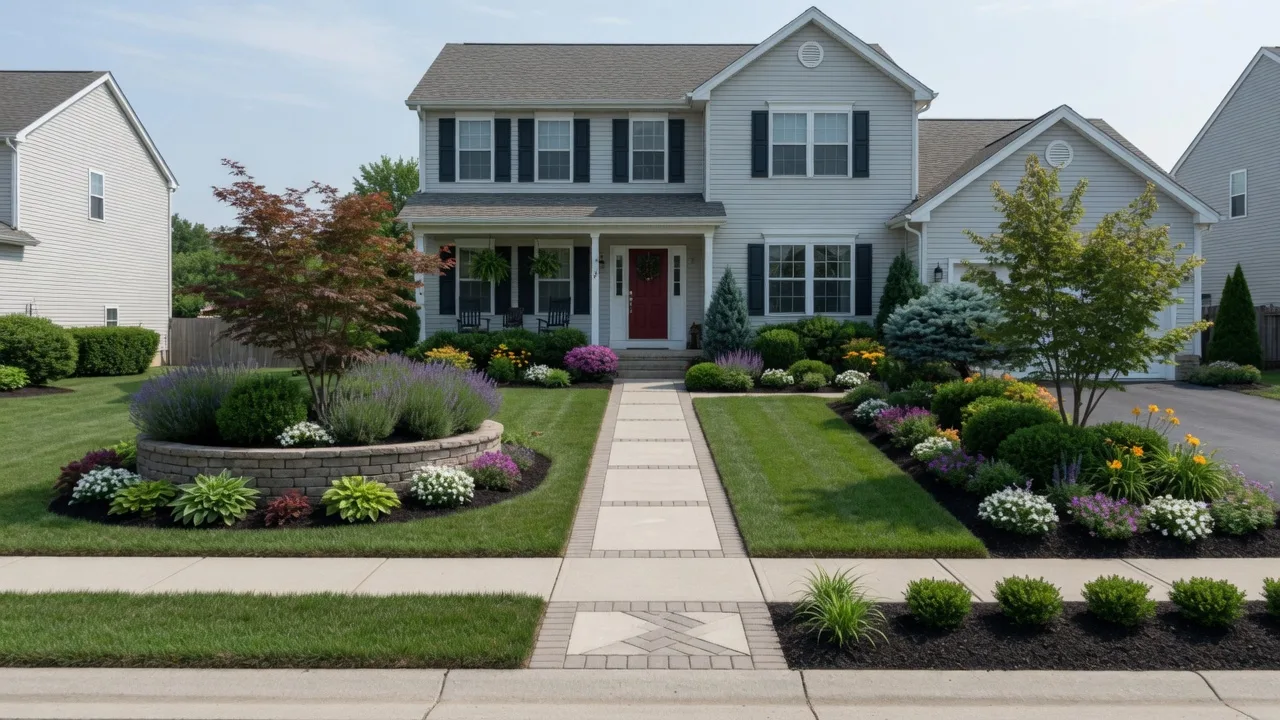
Jardin cottage
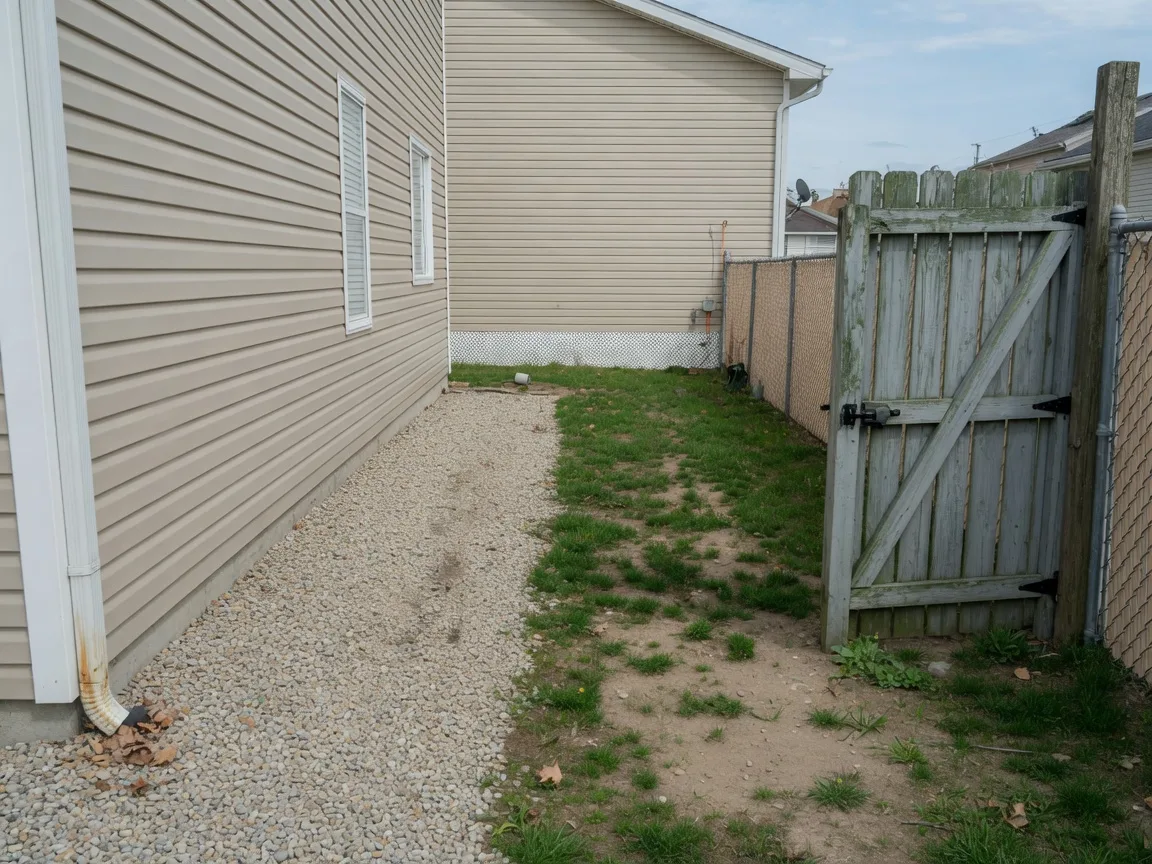
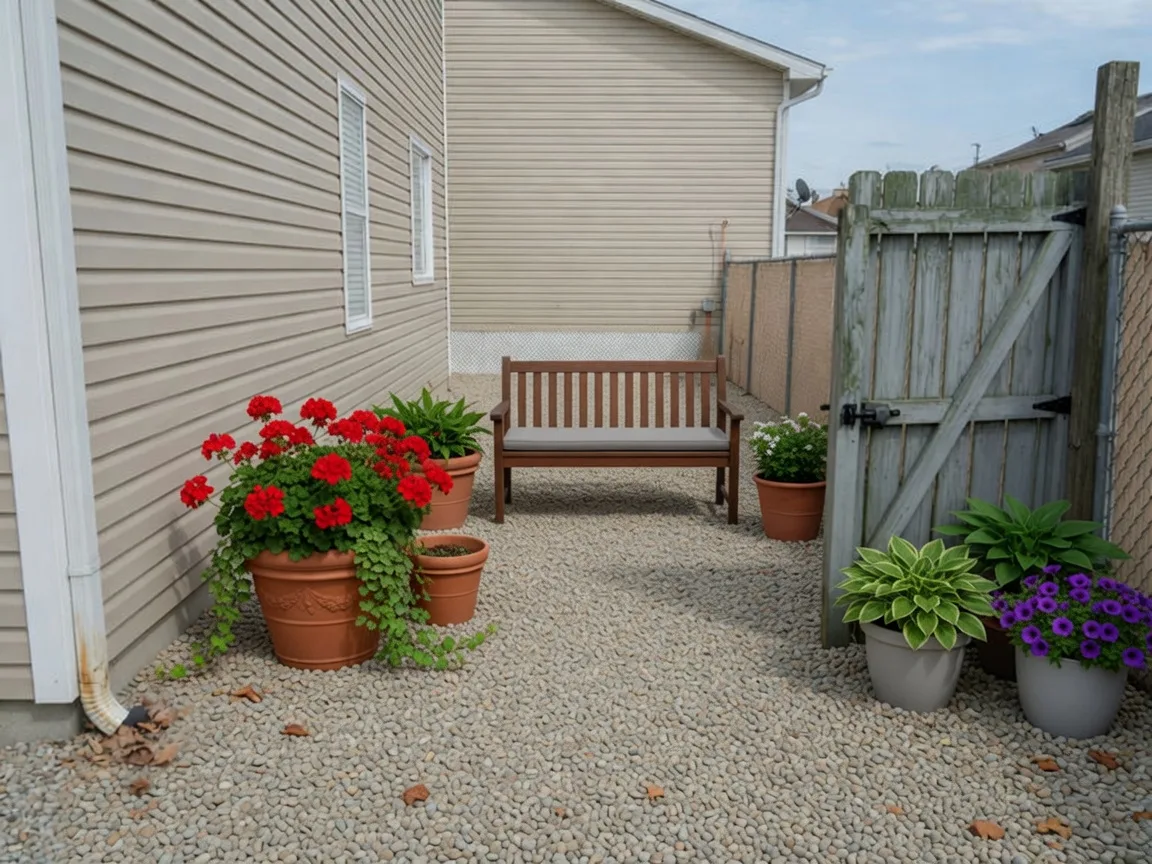
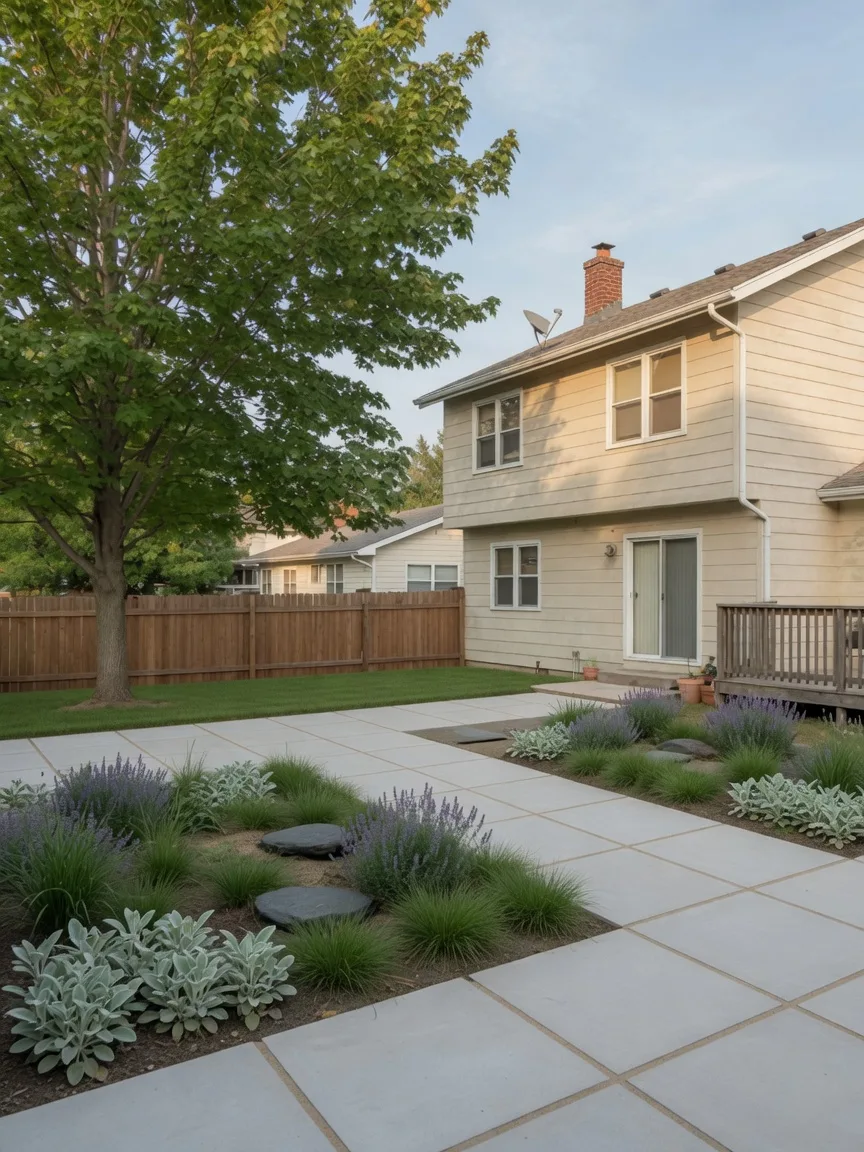
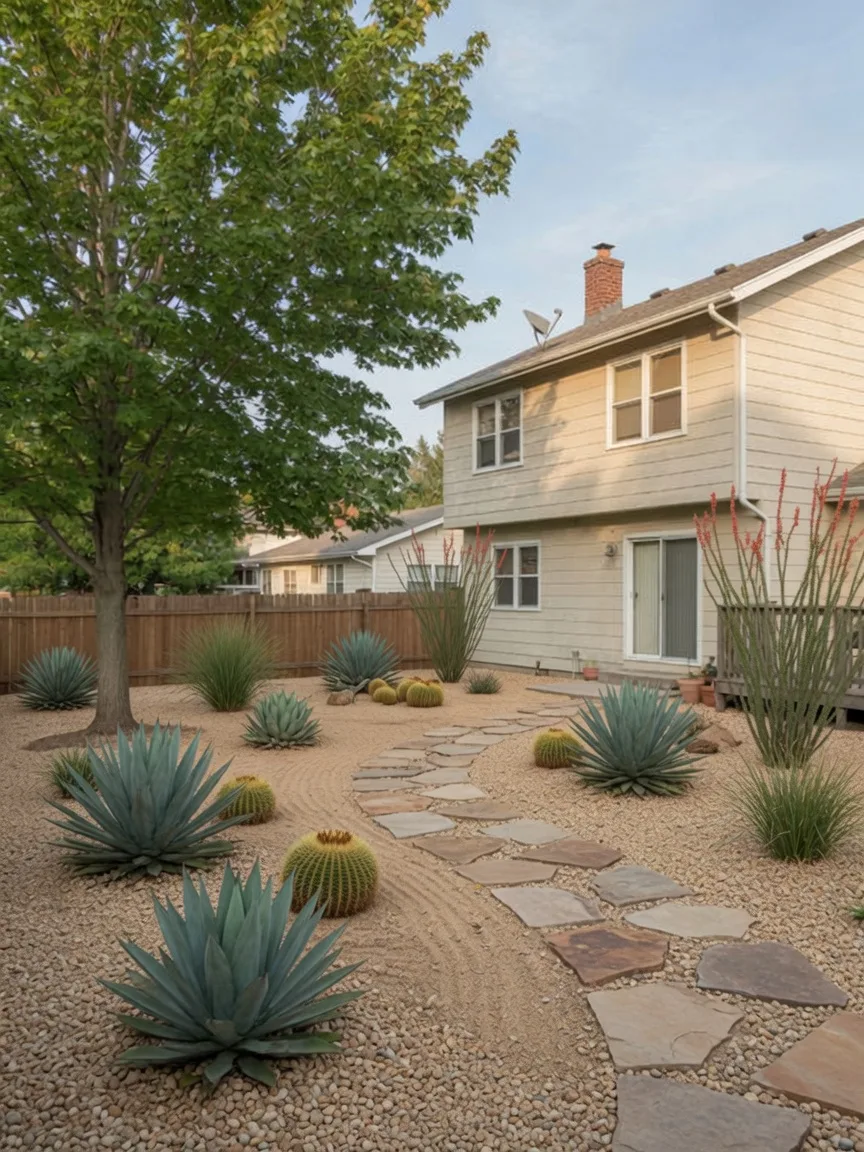
Dallage moderne
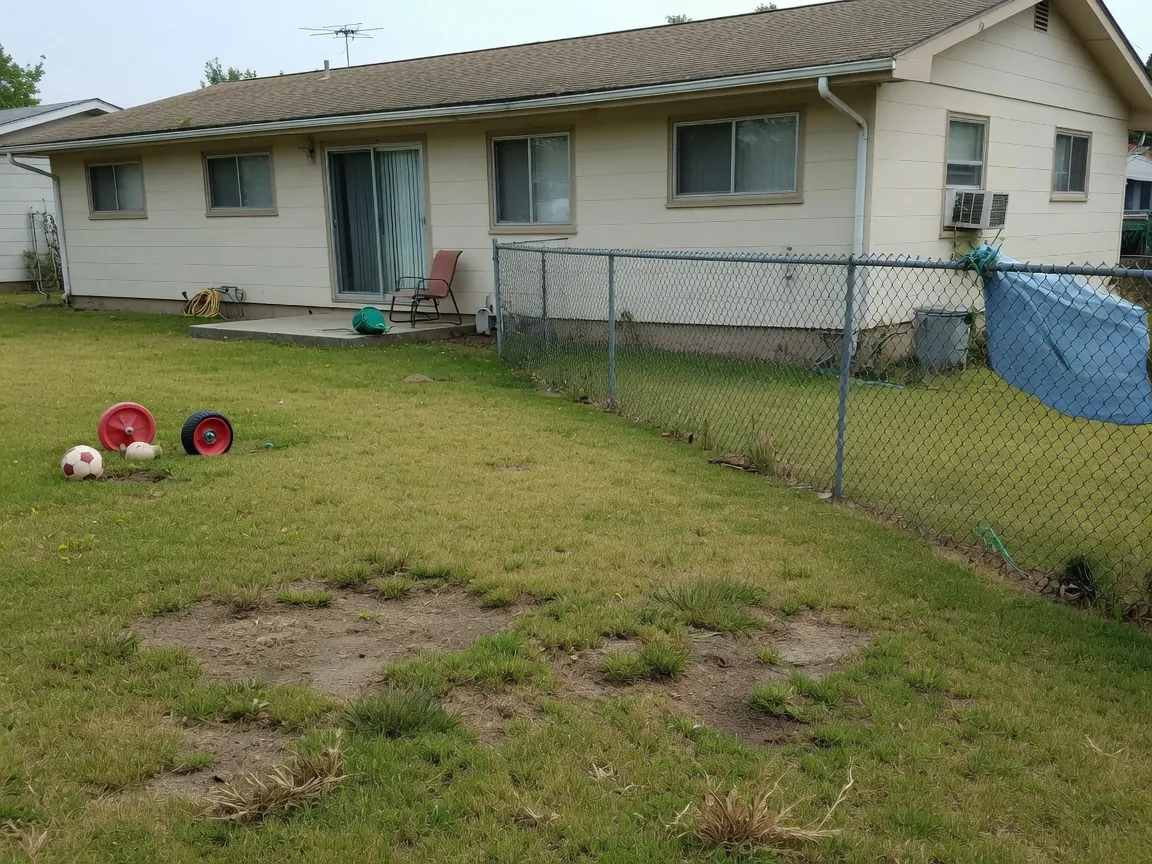
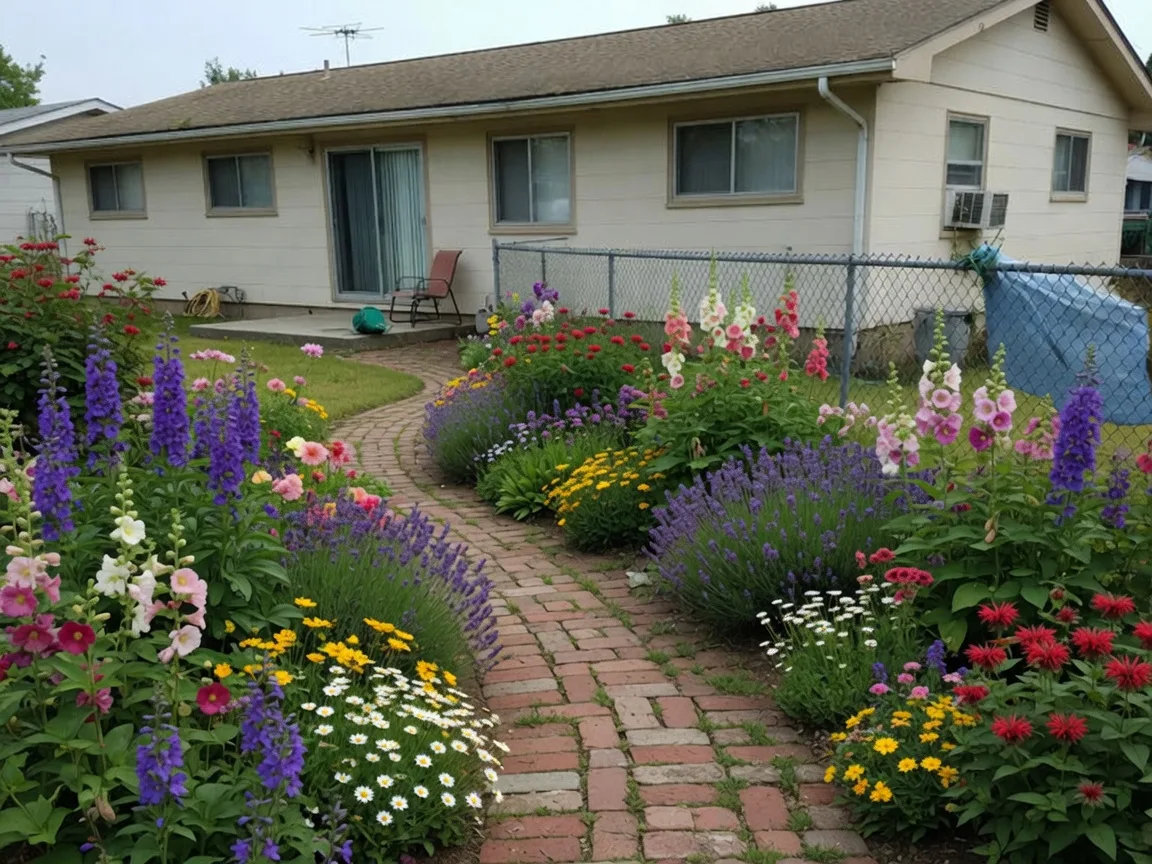
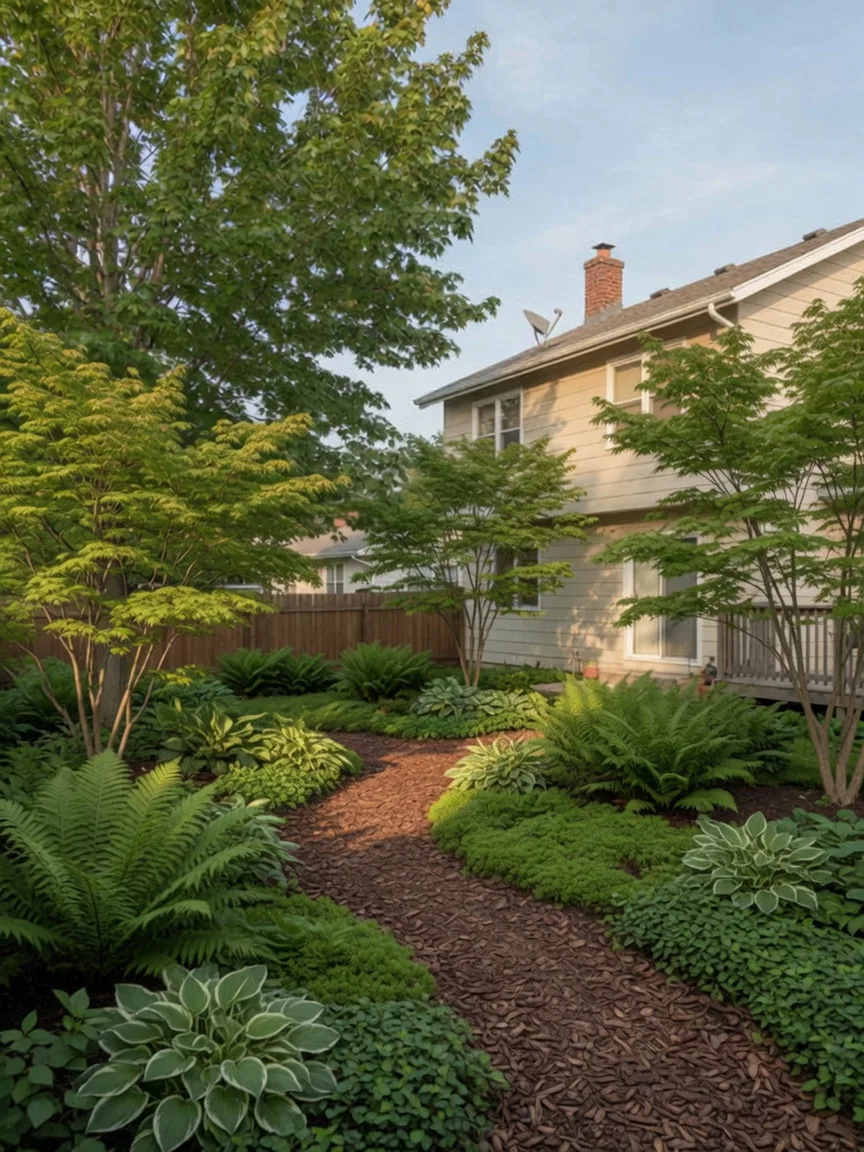
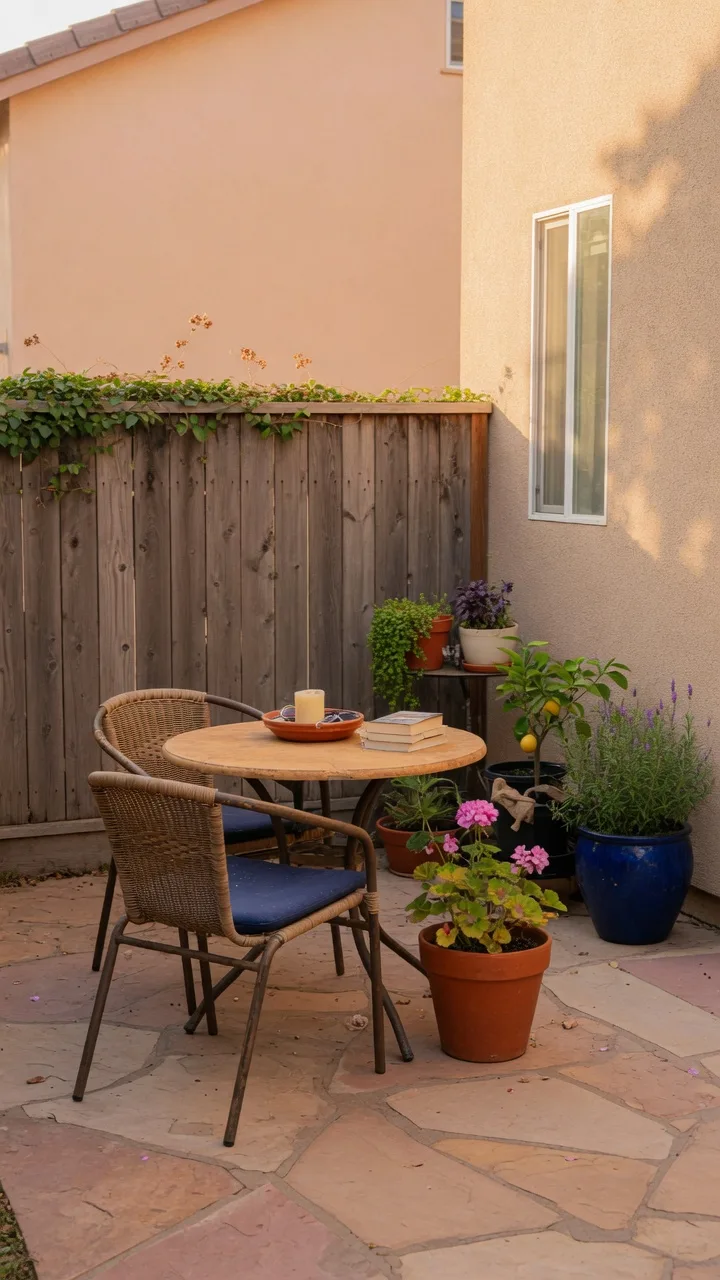
Coin terrasse
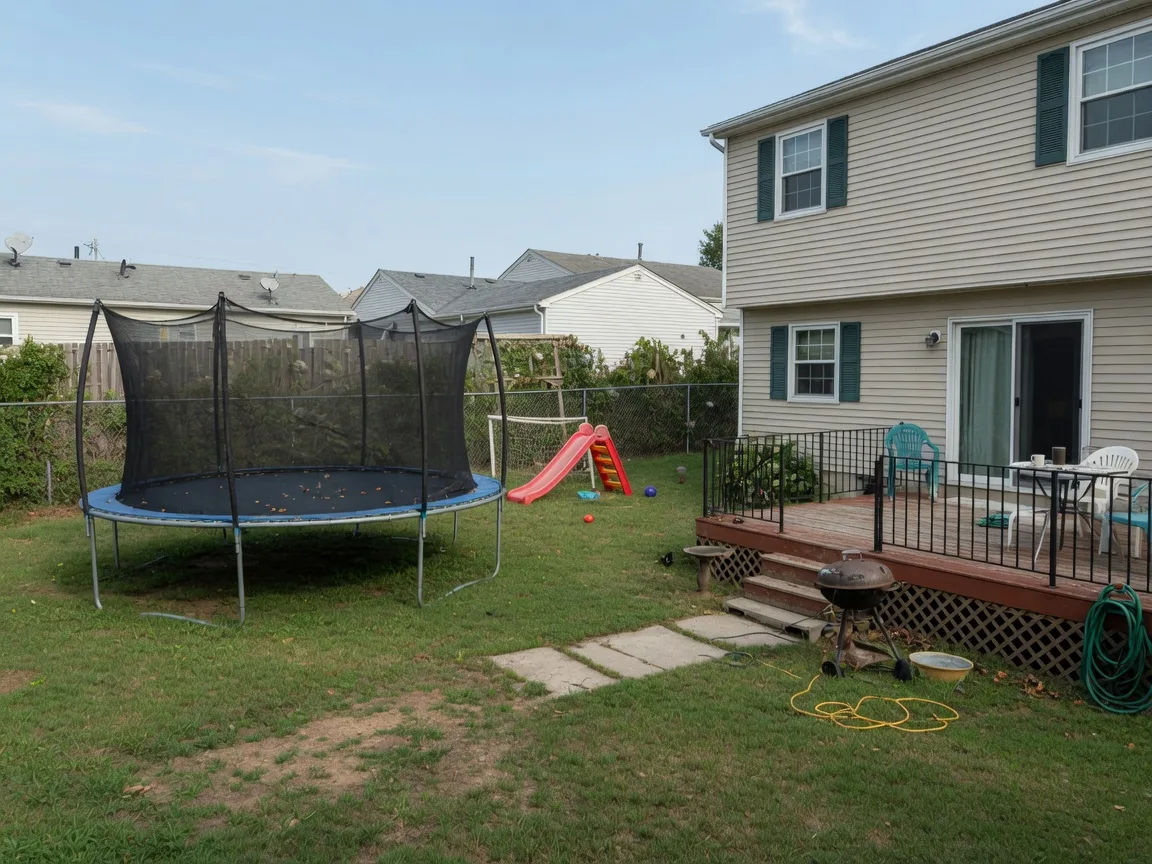
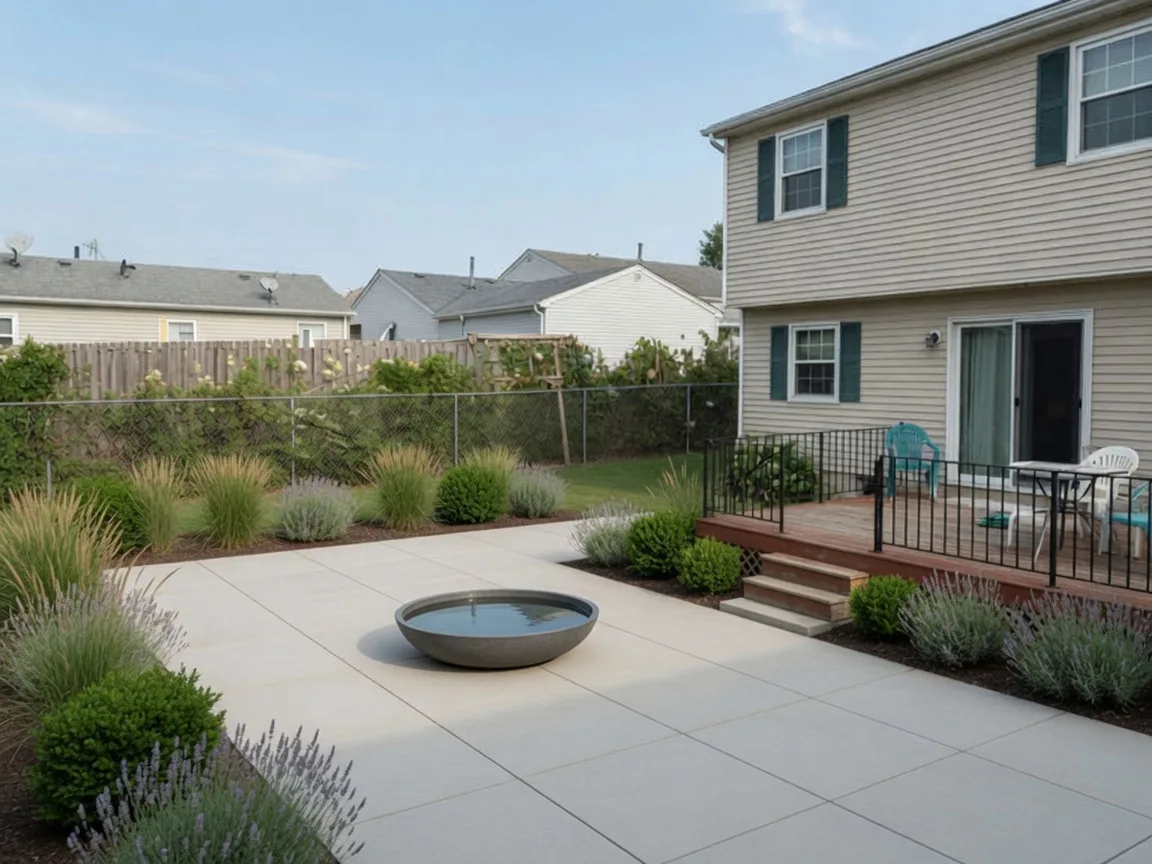
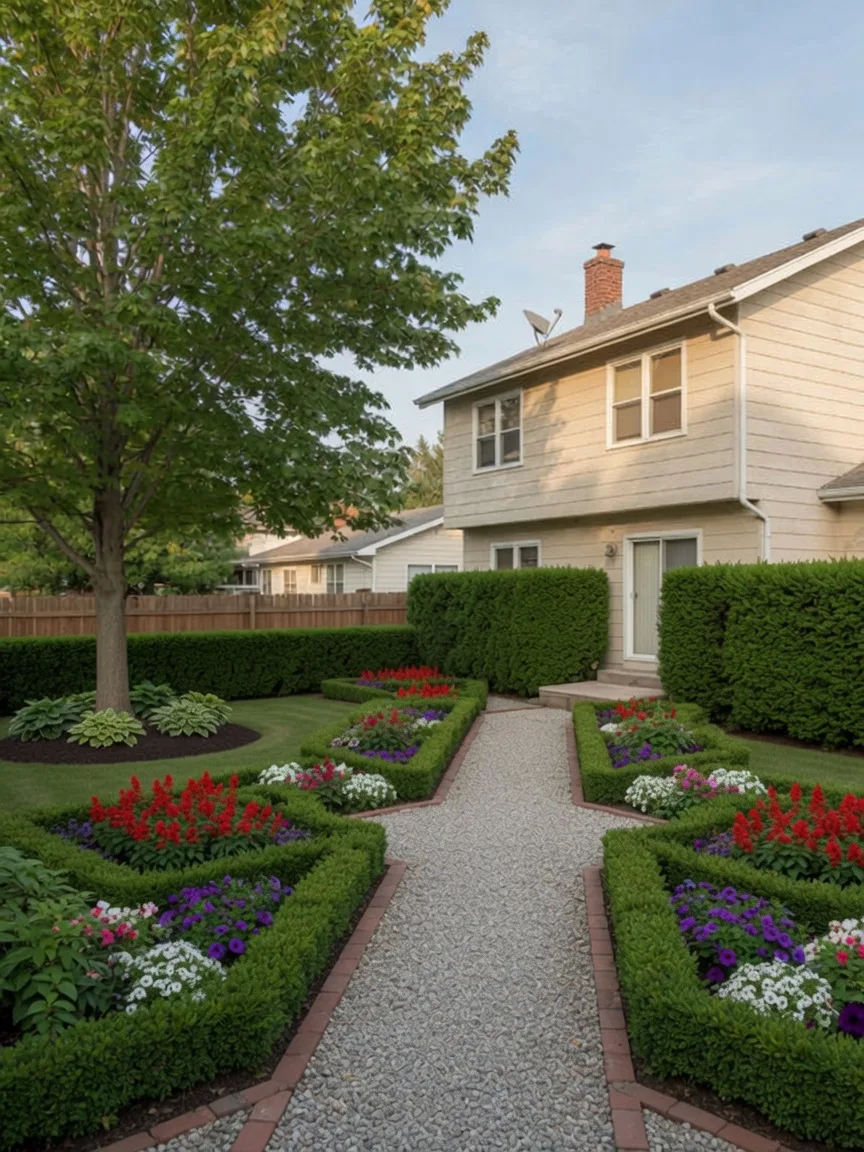
Jardin de devant
Styles à explorer
Explorez différents looks pour votre jardin
Cottage, moderne, méditerranéen, désert et terrasse — le même travail à partir d’une photo.
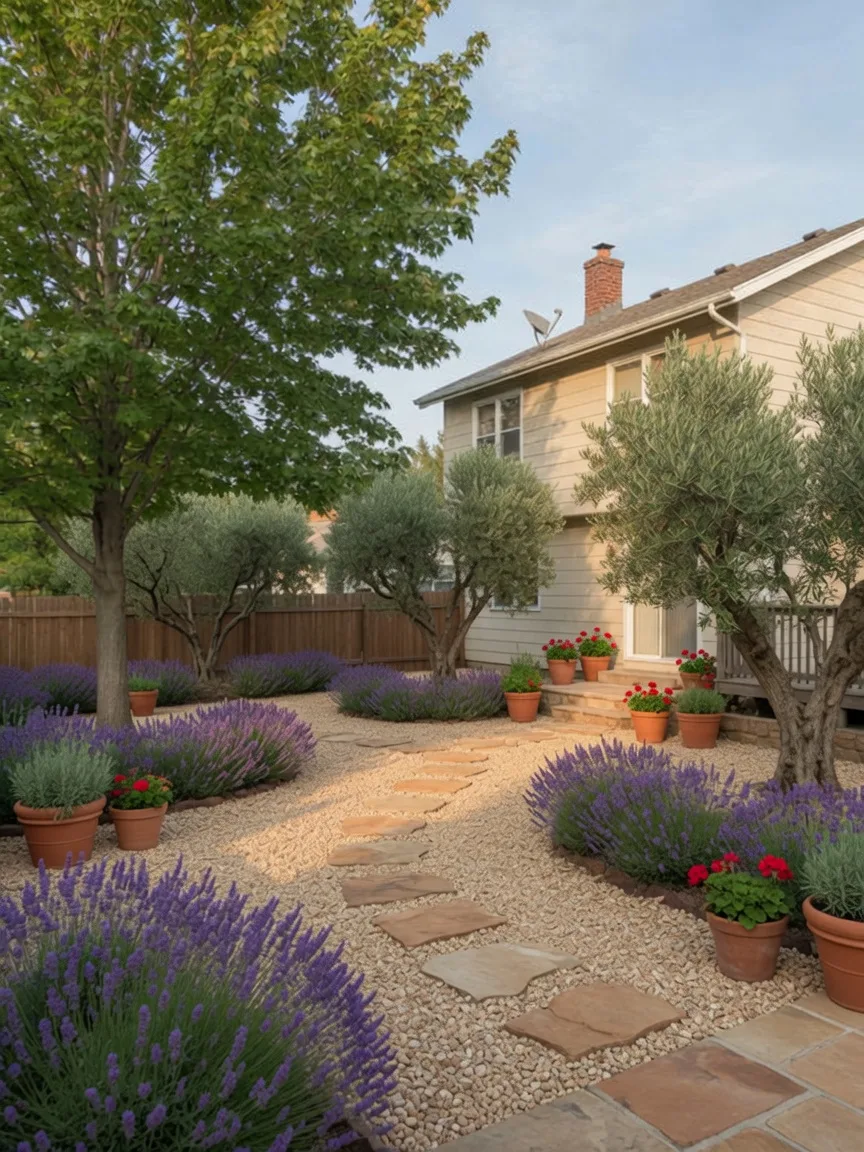
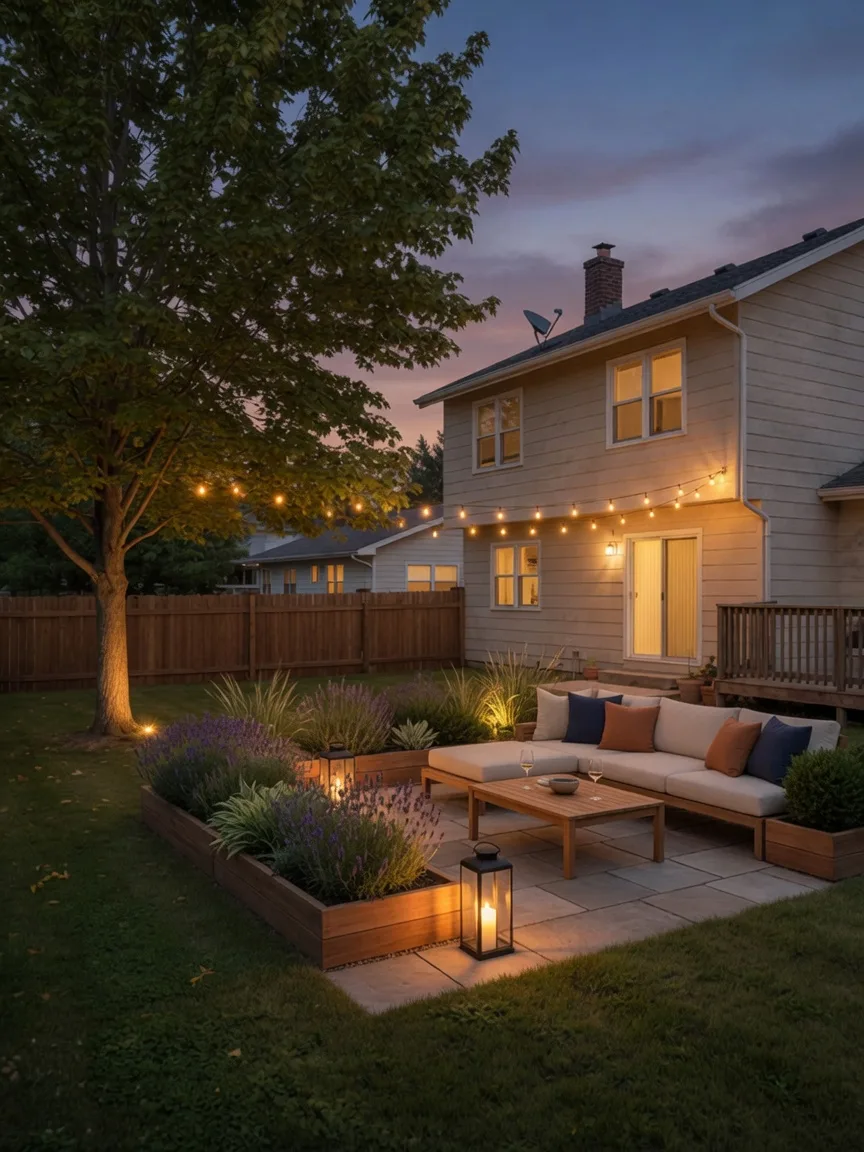
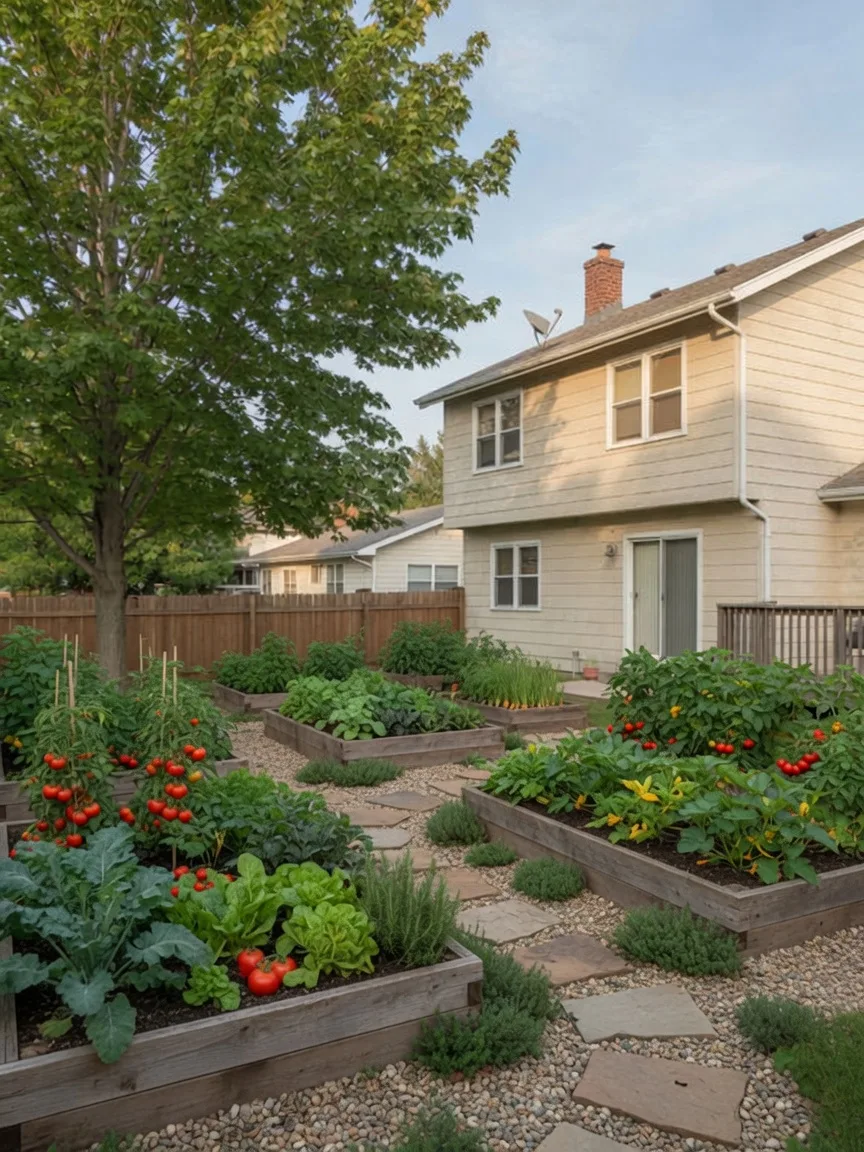
From your yard photo
Start with one yard photo.
Pick a landscape look and see how your own yard could change. No extra prompt is needed.
Achetez le nombre de concepts de jardin dont vous avez besoin
Un achat unique, à utiliser quand vous en avez besoin.
Lite
21
concepts de jardin
≈ $0.38 pièce
Paiement unique
Valable pendant 90 jours




Paiements sécurisés via Stripe
Boost
86
concepts de jardin
≈ $0.35 pièce
Paiement unique
Valable pendant 120 jours
Paiements sécurisés via Stripe
Pro
210
concepts de jardin
≈ $0.33 pièce
Paiement unique
Valable pendant 180 jours
Paiements sécurisés via Stripe

AI landscape design from your yard photo
How the photo job works, what stays in the picture, and what you can do with the concept.
- What is AI landscape design from a yard photo?
- You upload a photo of your real yard. Yardwoven applies a landscape style to that photo and returns a visual concept of planting, paving, and outdoor furniture on your actual lot. Compare before and after, then download.
- How do I redesign a backyard with AI from a photo?
- Take a wide daylight shot of the backyard, upload it, pick a style, and generate. The concept is drawn on your photo, not a stock garden. Try two looks free, then buy a pack if you want more styles.
- Does AI landscape design work on a front yard too?
- Yes. Use a backyard, front yard, side yard, or similar outdoor space. Frame the house edge, fence, and the ground you want to change. Tight close-ups of one plant usually work worse than a full-yard shot.
- Will the house and fence stay in the photo?
- That is the job. The tool is prompted to keep the house, roof, windows, driveway, fence line, lot shape, and camera angle, and to change the yard. If those disappear, try a clearer photo or another style.
- Is this a planting plan or a construction drawing?
- No. It is a visual landscape concept, not a plant list, measured plan, or CAD file. Use it to pick a direction, then take it to a landscaper if you want a buildable plan.
- What kind of yard photo works best?
- A wide, well-lit photo of the whole area you want to redesign. Stand so the house or fence is in frame. Avoid heavy crop, night shots, and photos that hide the ground.
- Is there a free way to try AI landscape design?
- Yes. New accounts get two 1K Faster trial looks. Those results are public and watermarked. Lite, Boost, and Pro remove the watermark and add 2K, Finer, and more looks.
- Can I show the concept to a landscaper?
- Yes. Download the before-and-after and use it in a conversation about direction. It still is not a specification. The landscaper supplies plants, grades, and costs.
Voyez le jardin changer avant de vous engager.
Importez une photo de jardin, choisissez un style et générez un concept à comparer et télécharger.