From your yard photo
AI Landscape Design: See a Concept on the Yard You Already Have
Upload a backyard or front-yard photo, pick one of 12 looks, and generate a visual concept on the space you already have. The house, roof, fence line, and camera angle stay in place while planting, paving, and outdoor furniture change. This is a concept you can compare with the original photo, not a planting plan, construction drawing, or CAD file. Check the house, lot shape, and light in every result before you treat it as a direction for a contractor.
- Upload one yard photo
- 12 landscape looks
- Faster or Finer
- 1K, 2K, or 4K
- House and fence stay
- Visual concept, not a plan
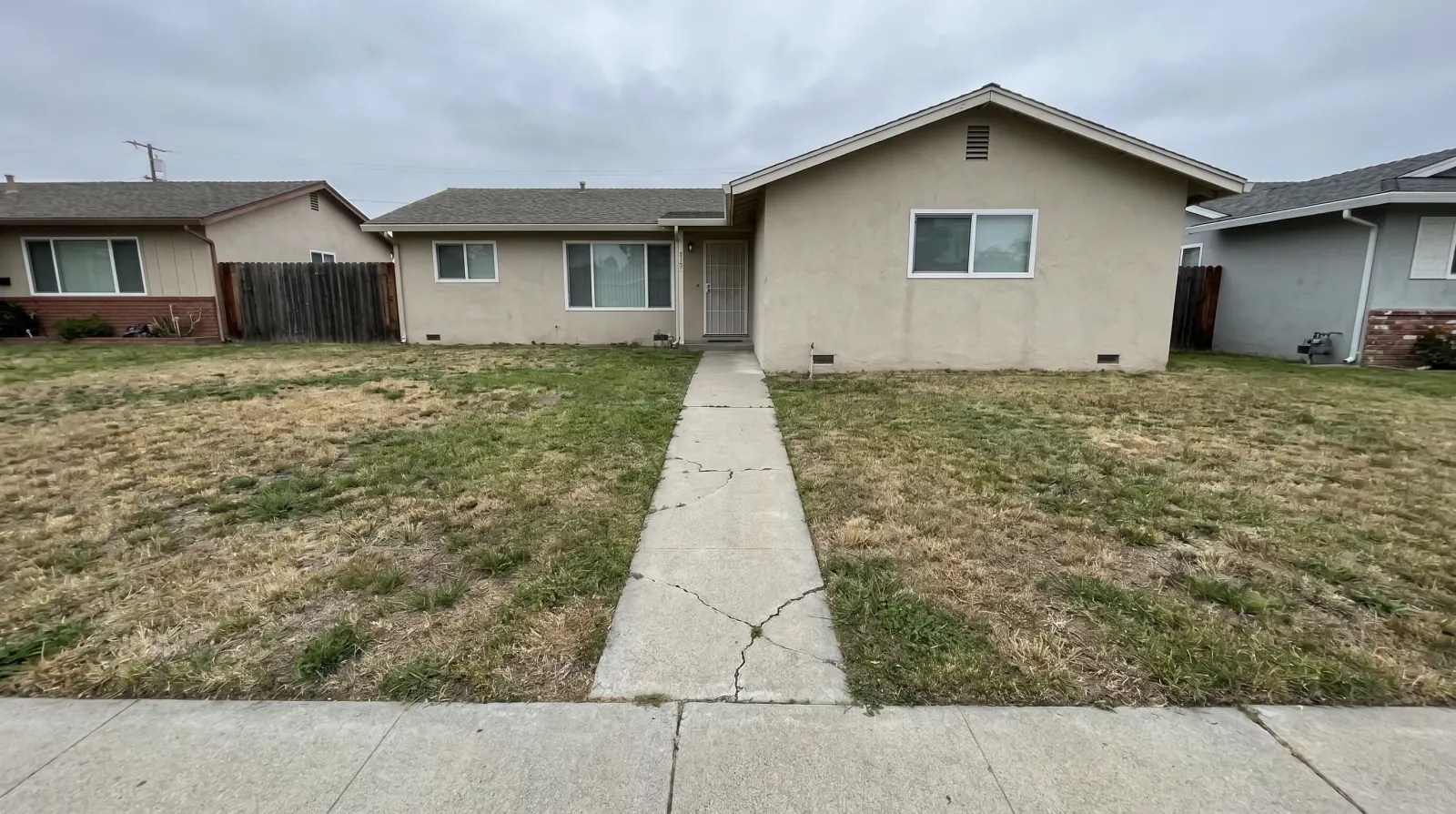
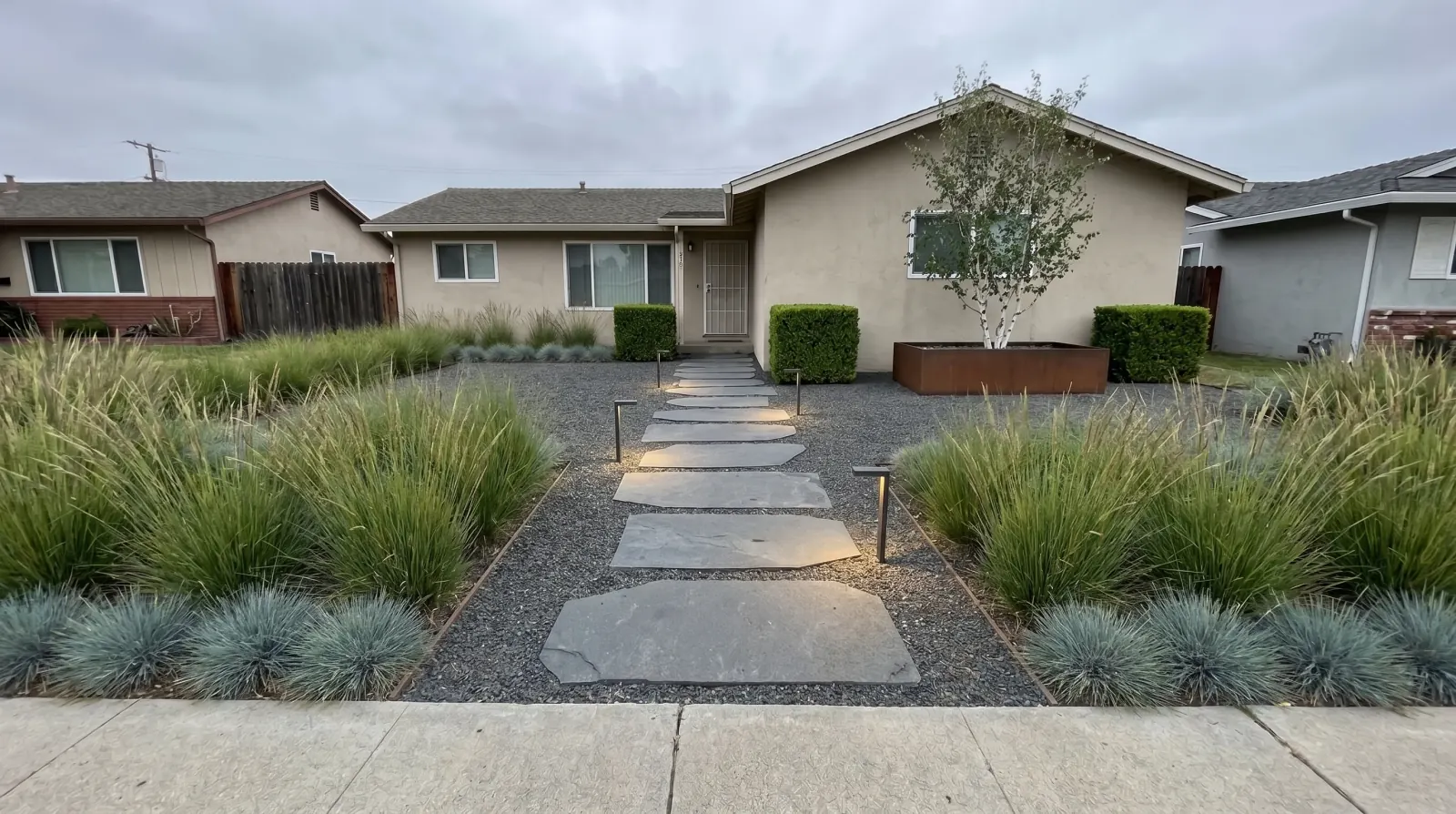
Before and after
Yard looks to compare
Each tile pairs the original yard photo with a concept. Drag the slider to compare.
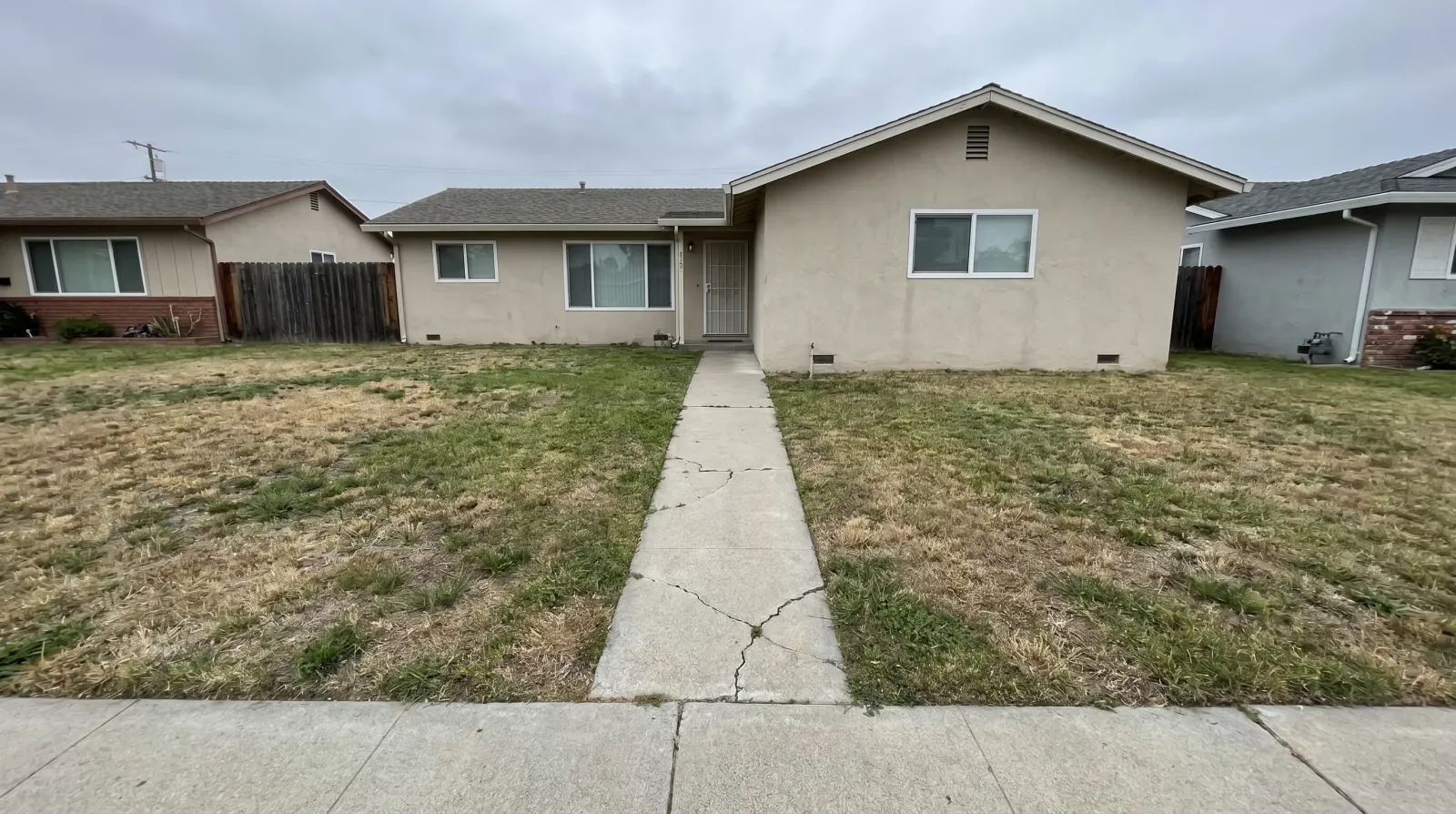
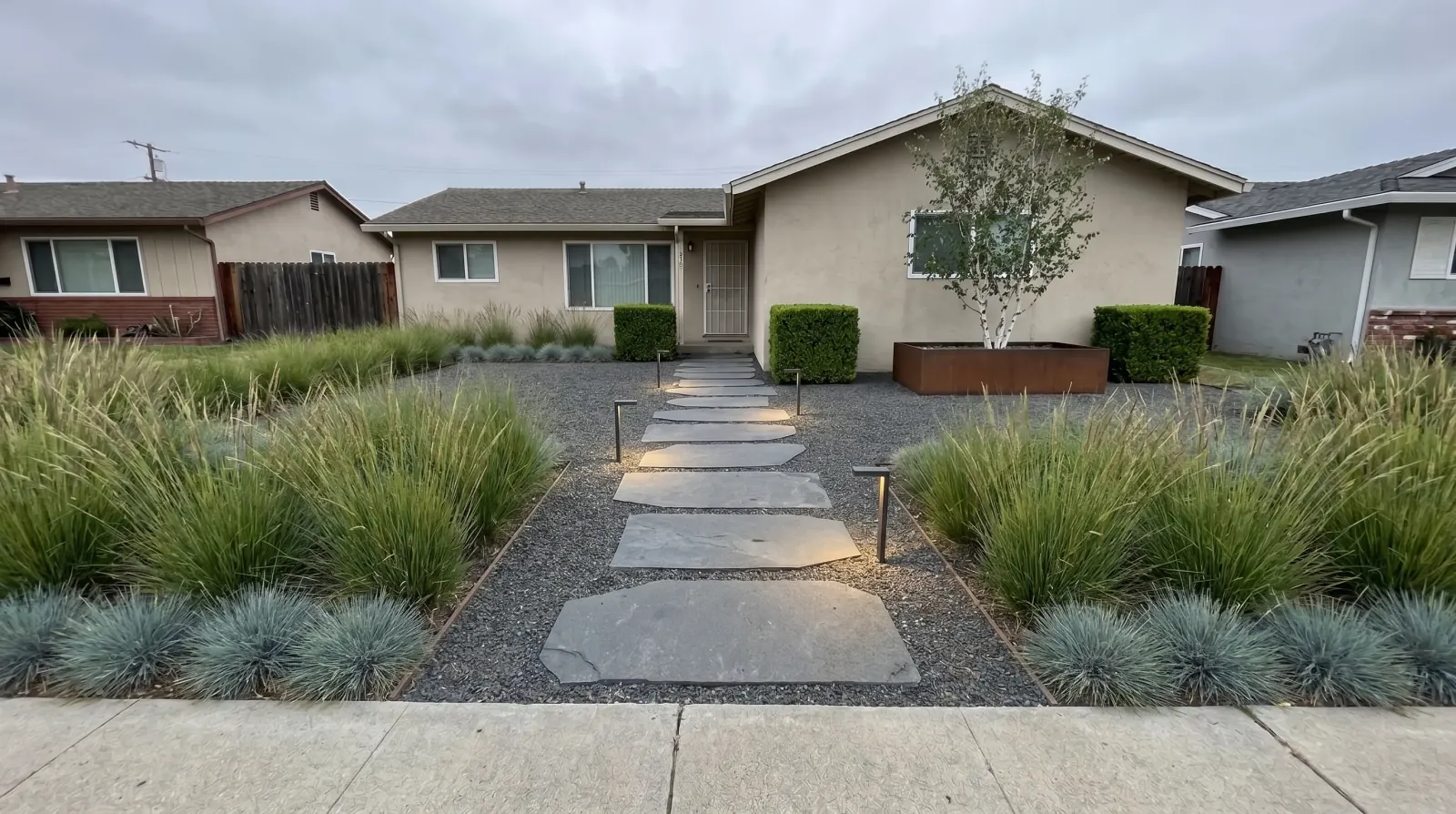
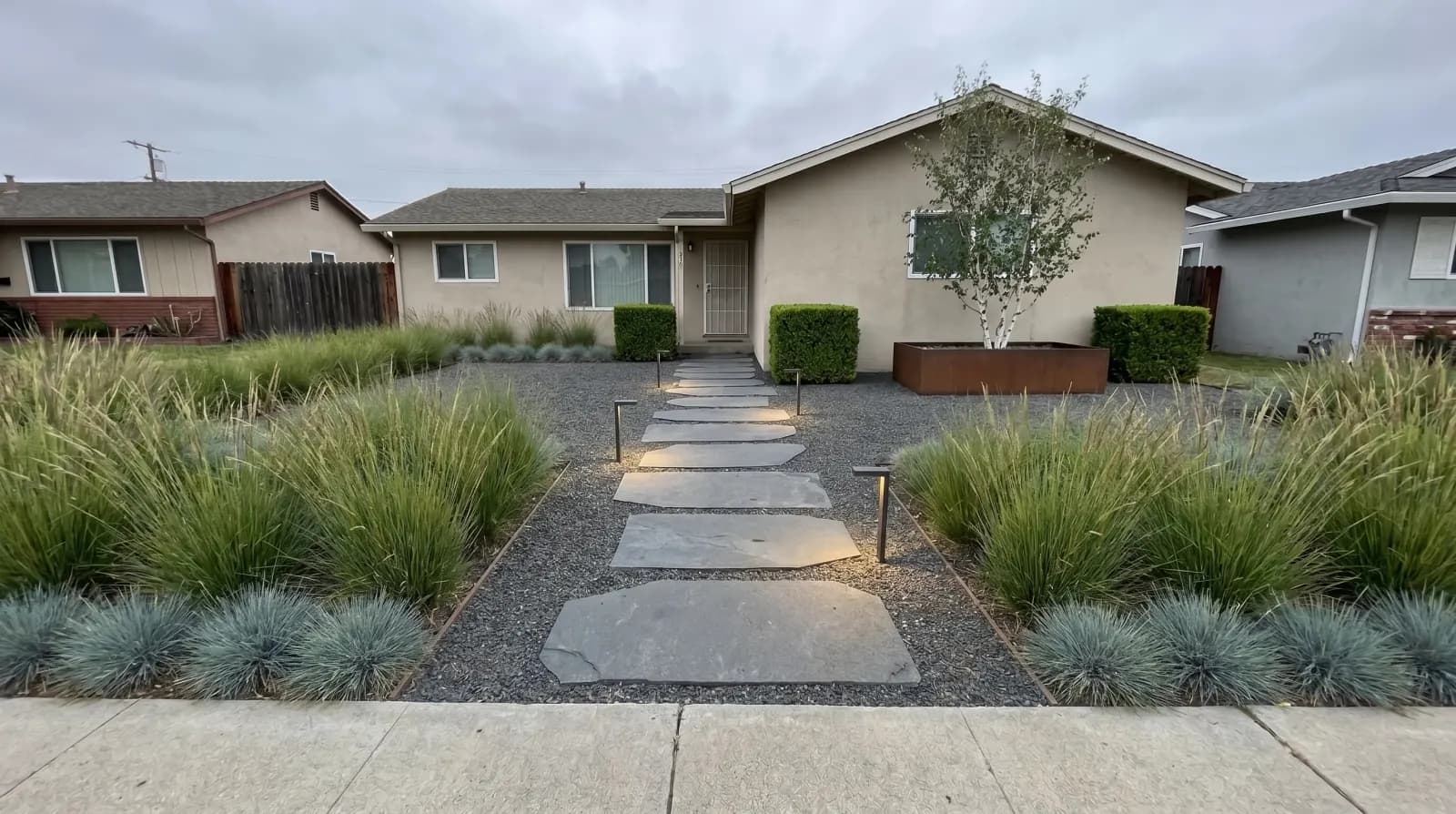
Modern paving, less lawn
Modern paving, pale stone, low planting, and less lawn while keeping the house and fence.
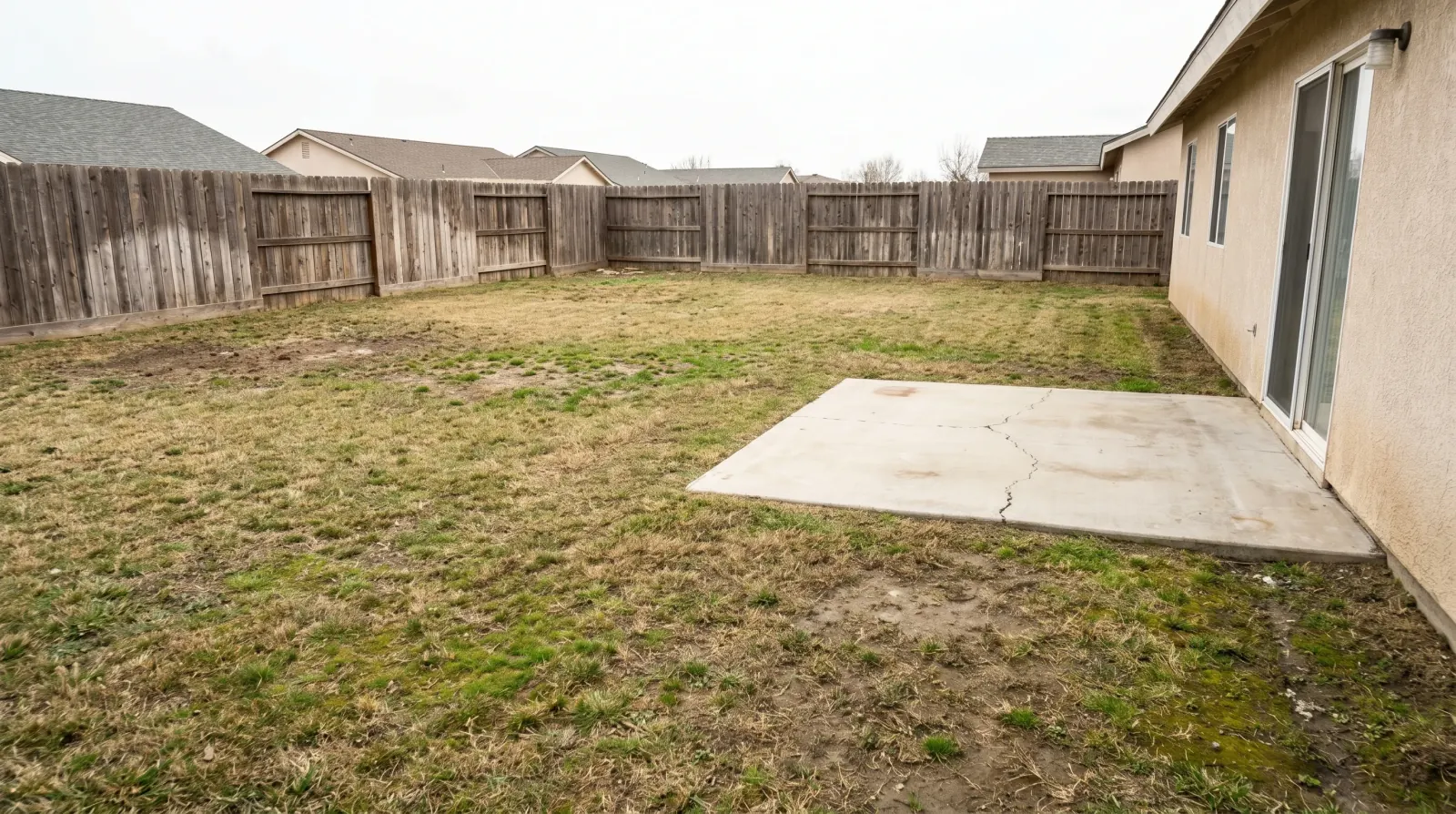
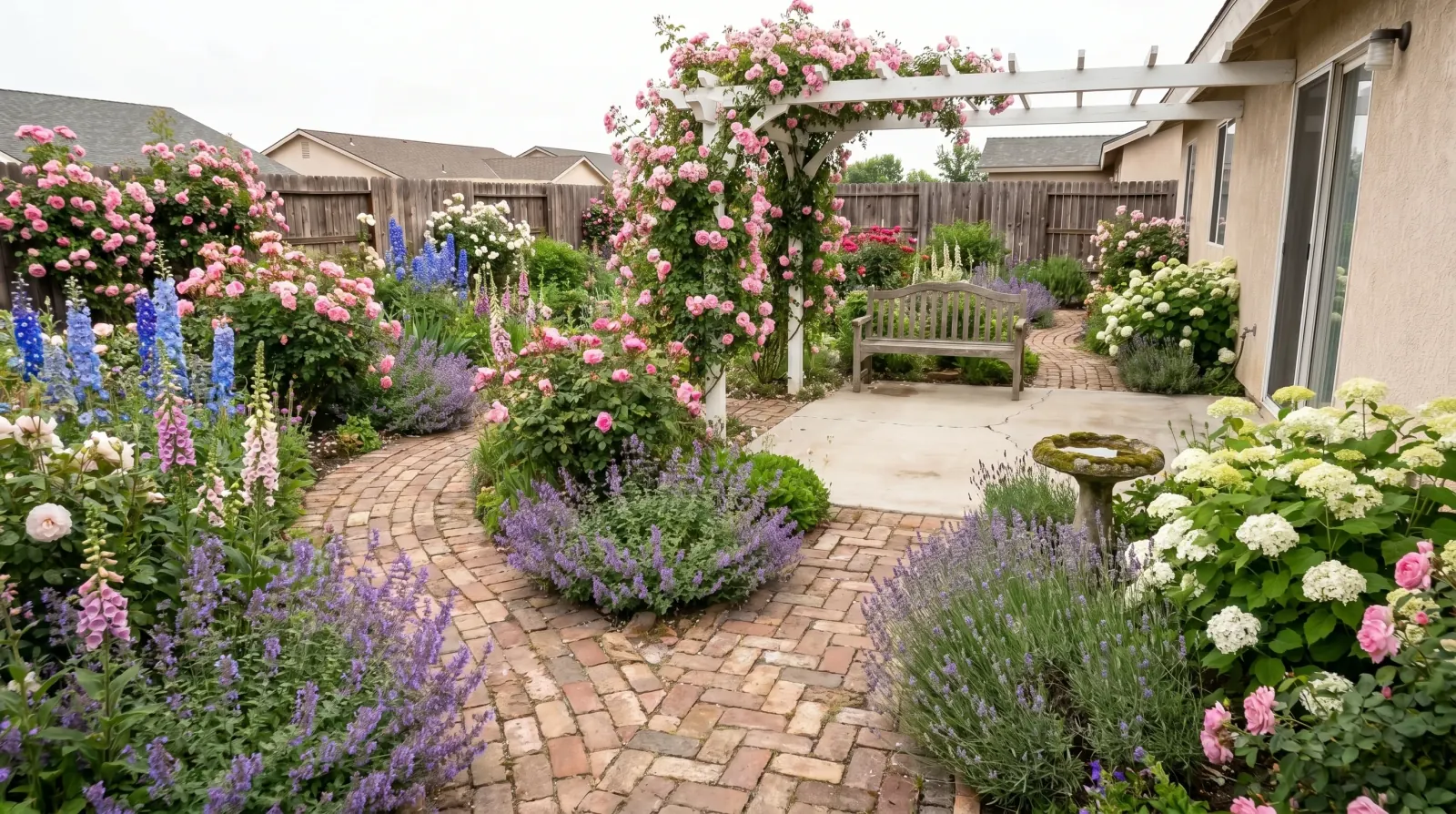
Cottage garden
A cottage garden with mixed flowering beds, a soft path, and layered planting while keeping the house and fence.
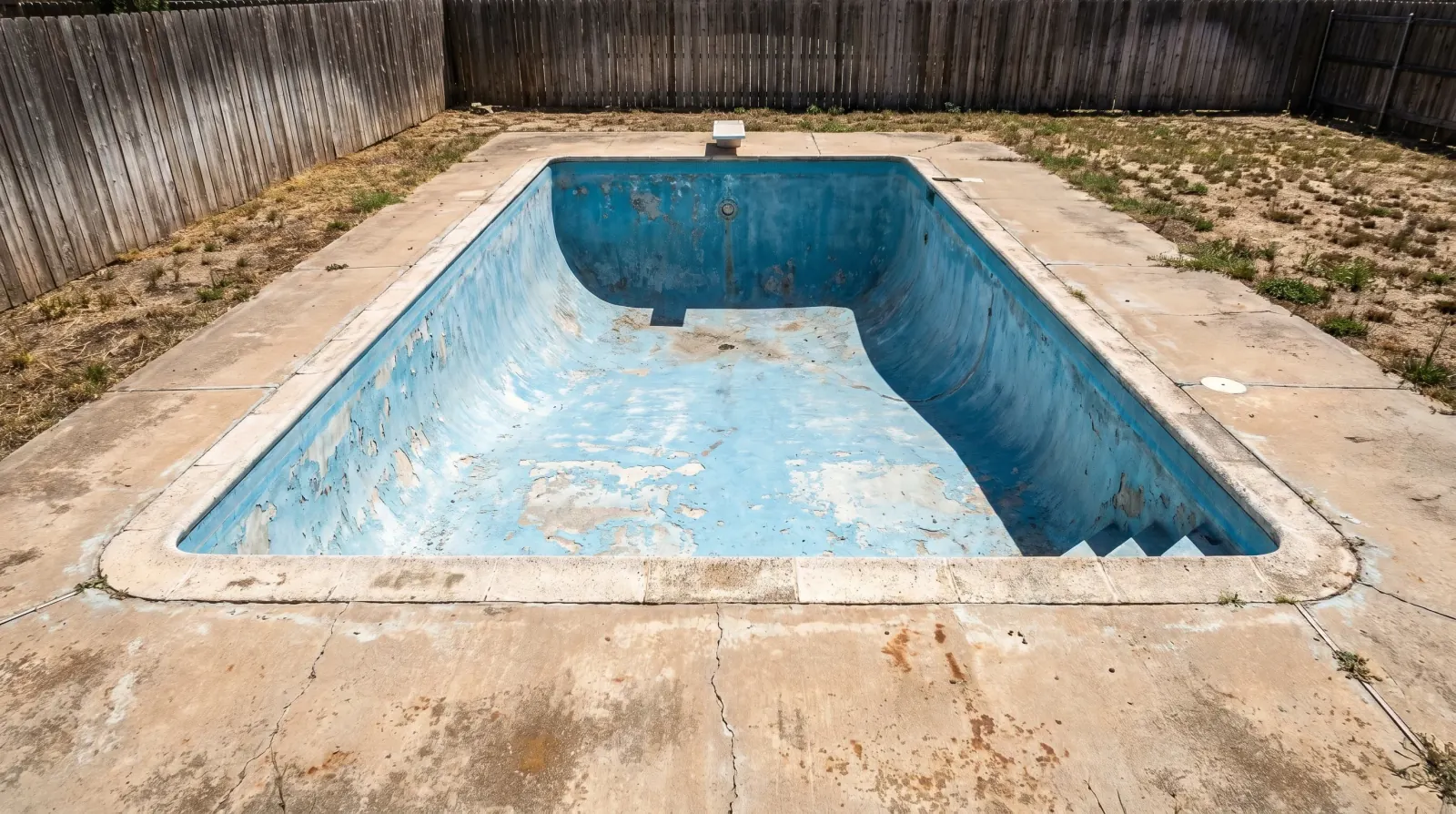
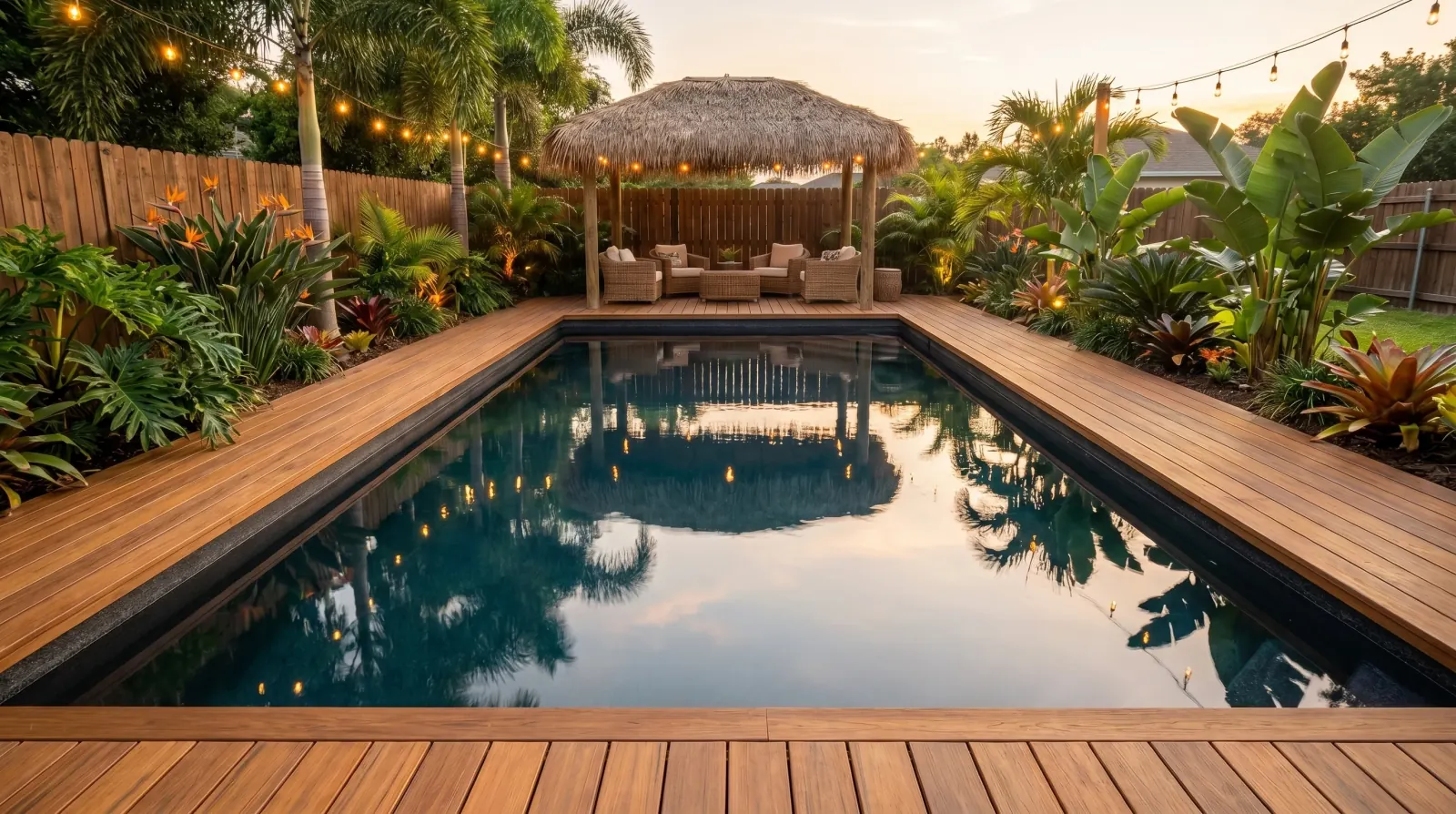
Tropical planting
A tropical yard with palms, banana plants, lush broadleaf plants, and timber decking while keeping the house and fence.
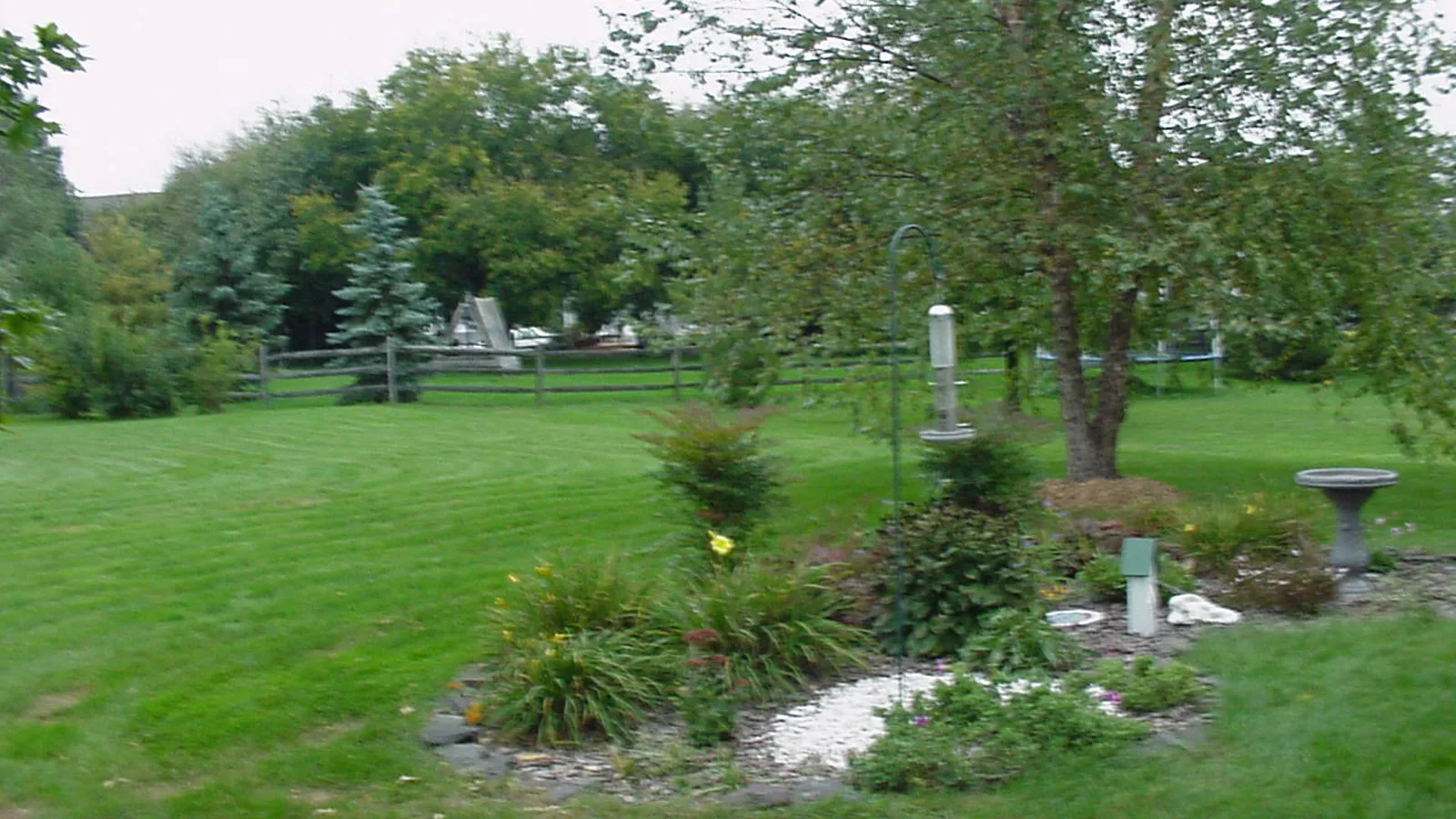
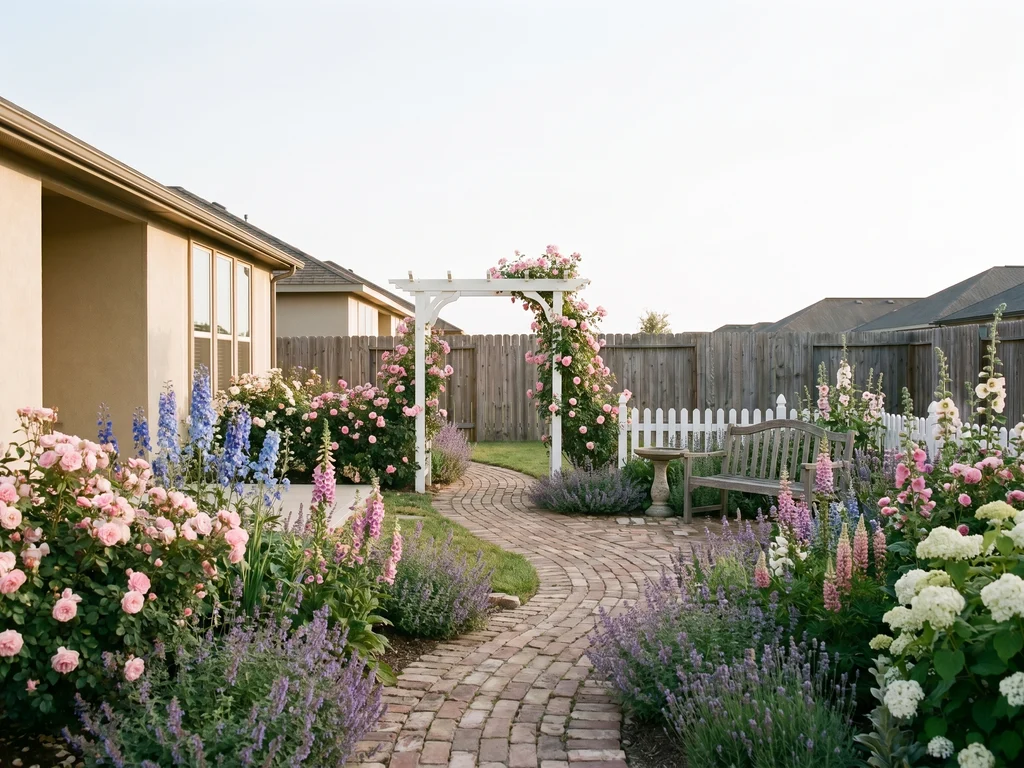
Cottage garden beds
A cottage garden with mixed flowering beds, a soft path, and layered planting while keeping the house and fence.
What stays, what changes
AI Landscape Design Features
Each run starts from your photo. Planting and paving change; the building and lot should still read as the same place.
Start from the Yard You Already Have
A clear daylight shot of the whole backyard or front yard gives the editor the house, fence, walkway, and lot shape. Tight close-ups and night photos make it harder to keep the property recognizable.
Upload a yard photo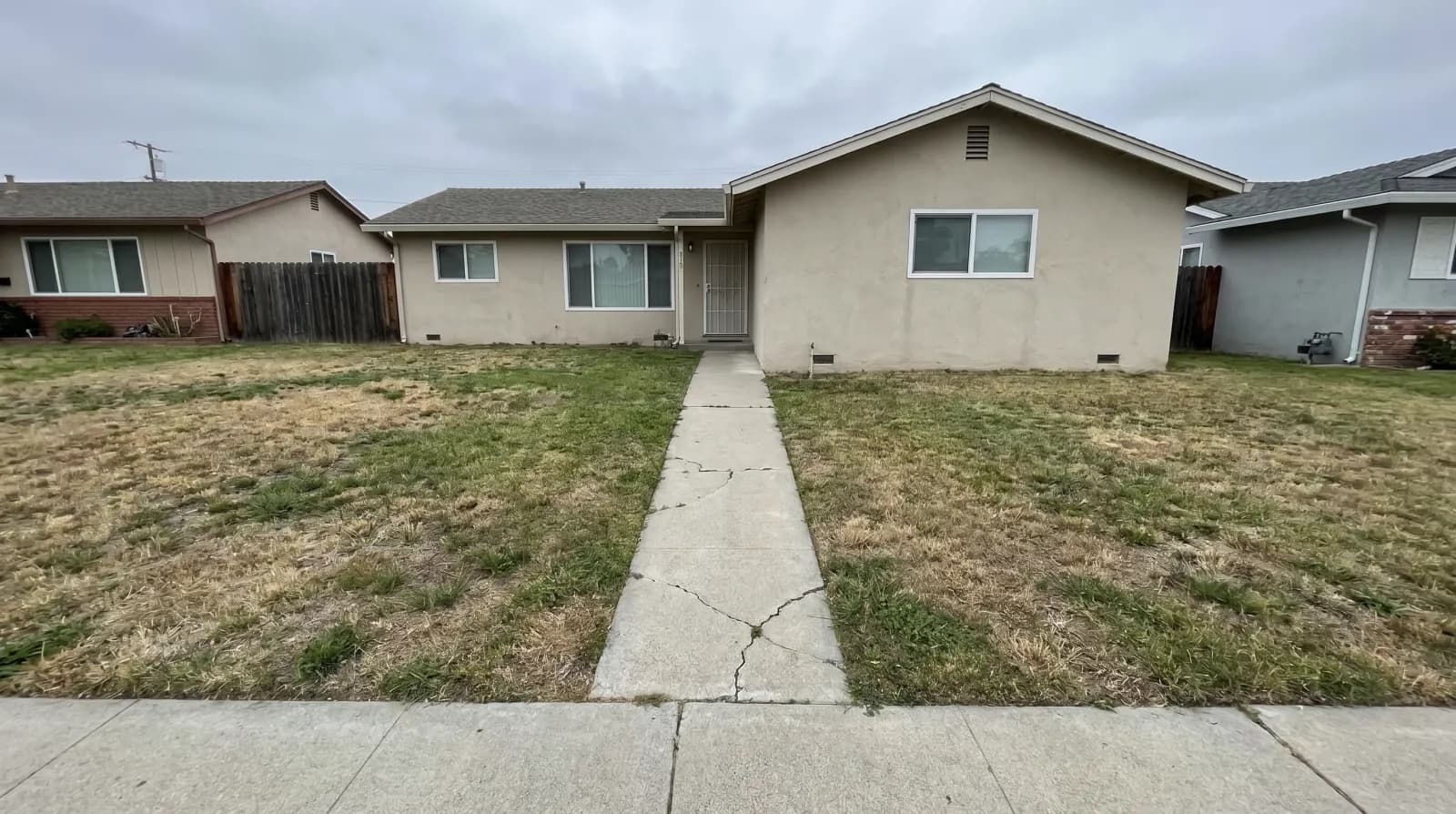
Keep the House, Change the Yard
The edit is instructed to keep the house, roof, windows, driveway position, fence line, lot shape, camera angle, and sky. Review every result for a drifted roofline or a lot that no longer matches the photo.
Keep the house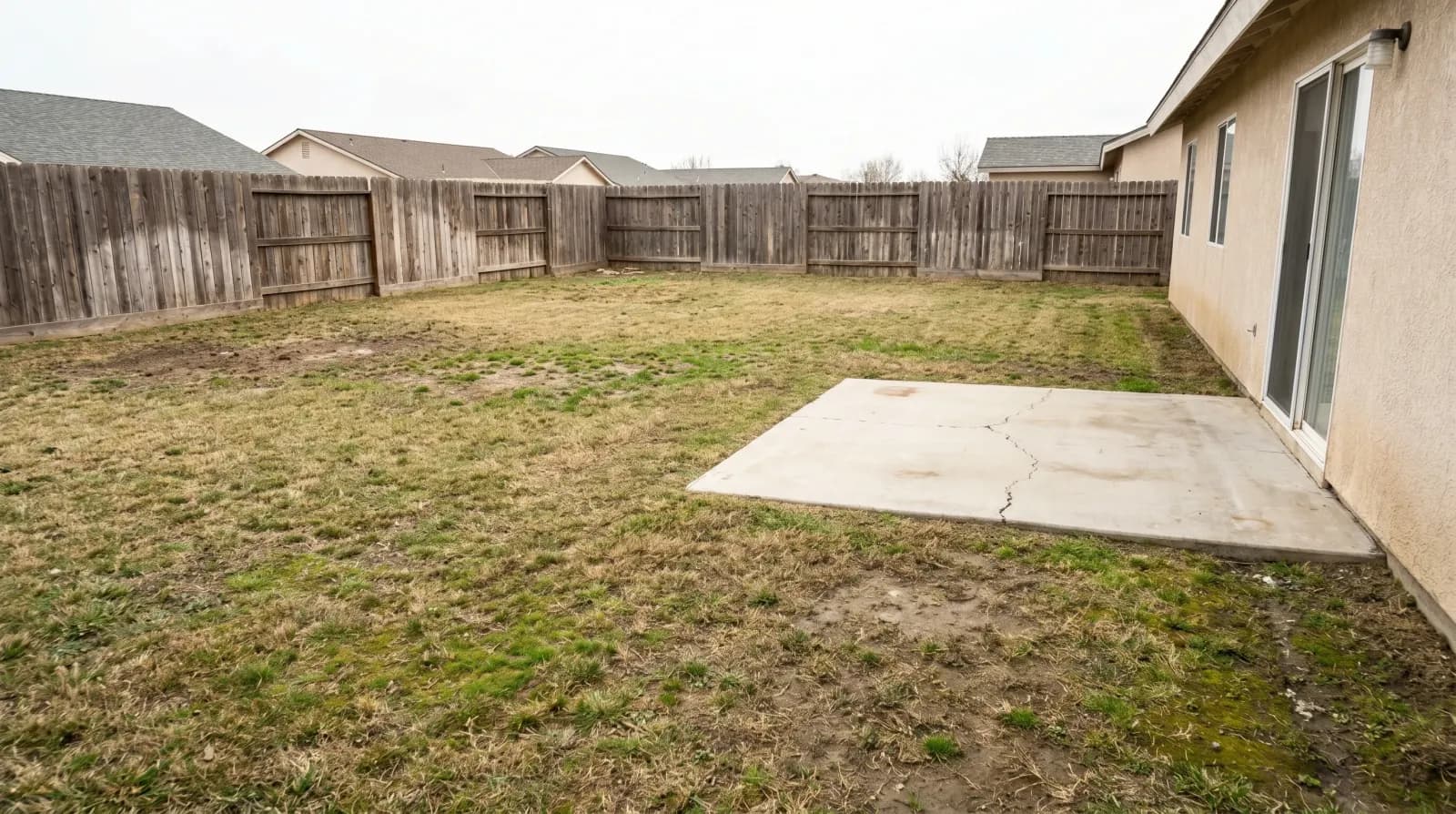
Pick a Look Without Writing a Prompt
Choose one of 12 looks in the style picker. You do not write a prompt. Run more than one look on the same photo if you want to compare directions.
Choose a look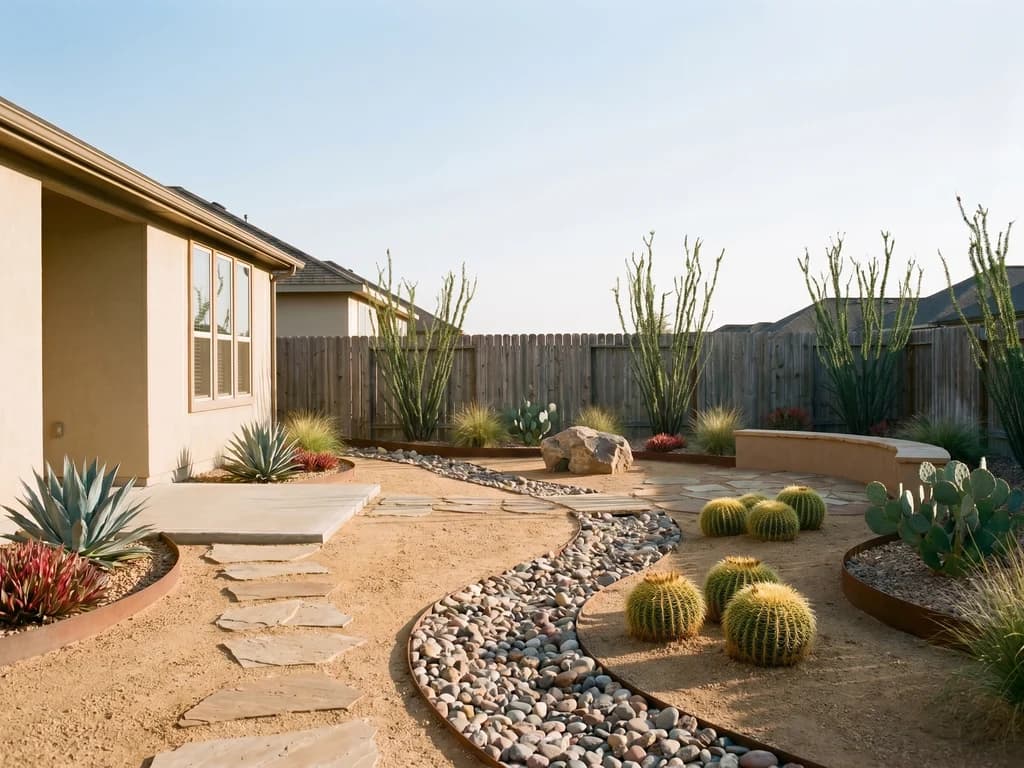
Compare Before You Commit
The page shows the original photo next to the concept. Use that pair to talk through planting, paving, or furniture with a contractor. It is not a plant list, grade plan, or construction drawing.
Compare the resultHow to use
How to Use AI Landscape Design
Upload a yard photo, pick a look, set Faster or Finer, then generate a concept you can compare with the original.
Upload a Yard Photo
Use a daylight shot of a backyard, front yard, or similar outdoor space. Include the house and the full area you want to change so the concept still reads as the same property.
Choose a Landscape Look
Pick one of 12 looks in the style picker. The selected look is applied to the yard in your photo.
Choose Faster or Finer, Then Size
Faster is for trying looks. Finer keeps more detail for a concept you might show someone. Choose 1K or 2K. 4K is available on Pro.
Generate and Compare
Run the concept, then check the house, fence, lot shape, and light against the original. Try another look on the same photo if you want a second direction.
Use cases
Who Should Use AI Landscape Design
Use the result to see a direction on your own photo. It does not replace a landscape designer, irrigation plan, or contractor quote.
Front-Yard Refresh
See less lawn, a wider walk, or low beds on the photo of your current front yard before you buy plants or paving.
Drought Planting Preview
Preview gravel and drought plants on the yard you already have, then take the comparison to a nursery or designer.
Patio Seating Check
Place a sitting area in the existing backyard to judge scale and light before you move furniture or pour a pad.
Contractor Conversation
Bring a before-and-after pair to a site visit so you can point at planting, paving, or furniture without pretending it is a construction set.
FAQ
AI Landscape Design FAQ
What the yard-photo tool does, which looks you can pick, Faster or Finer, and how credits work.
- What is AI landscape design on this page?
- You upload a yard photo, pick a look, and generate a visual concept on that space. Compare it with the original, then download what is useful.
- Can I use my own yard photo?
- Yes. Upload a backyard, front yard, or similar outdoor photo. Clear daylight shots of the whole area work better than tight close-ups or night photos.
- Will the house and fence stay in the result?
- The edit is instructed to keep the house, roof, fence line, lot shape, and camera angle. AI concepts can still drift, so inspect those details in every result.
- Is this a planting plan or construction drawing?
- No. The output is a visual concept. It does not list plants, set grades, size irrigation, or produce CAD.
- Which looks can I choose?
- Cottage garden, Modern paving, Desert planting, Mediterranean, Patio seating, Farmhouse, Formal, Eco-natural, Coastal, Tropical, Japanese, and Scandinavian. Run more than one look on the same photo if you want to compare.
- What do Faster and Finer do?
- They're in Output detail. Faster is a quicker draft for trying looks. Finer keeps more detail for a concept you might show someone, and it costs more at the same size.
- How much does one concept cost?
- Choose Faster or Finer, then 1K or 2K. 4K is available on Pro. Finer costs more than Faster at the same size. The amount is shown in the workbench before you generate.
- Are my yard photos private?
- Generations follow the same privacy controls as the rest of the workspace. You can keep results out of public Explore from the workbench.
- Does the concept guarantee how the yard will look after construction?
- No. Real outcomes depend on soil, drainage, climate, plant availability, and the work itself. Use the image to discuss direction, not as a finished plan.
From your photo
See a Yard Change Before You Commit
Upload a yard photo, pick a look, and generate a concept you can compare and download.
Upload a yard photo